Headache Helper App
Role
UX/UI Designer
Scope
UX design, user research, task flows, prototyping, UI design
Client
CareerFoundry
Timeline
2024
Overview & Content
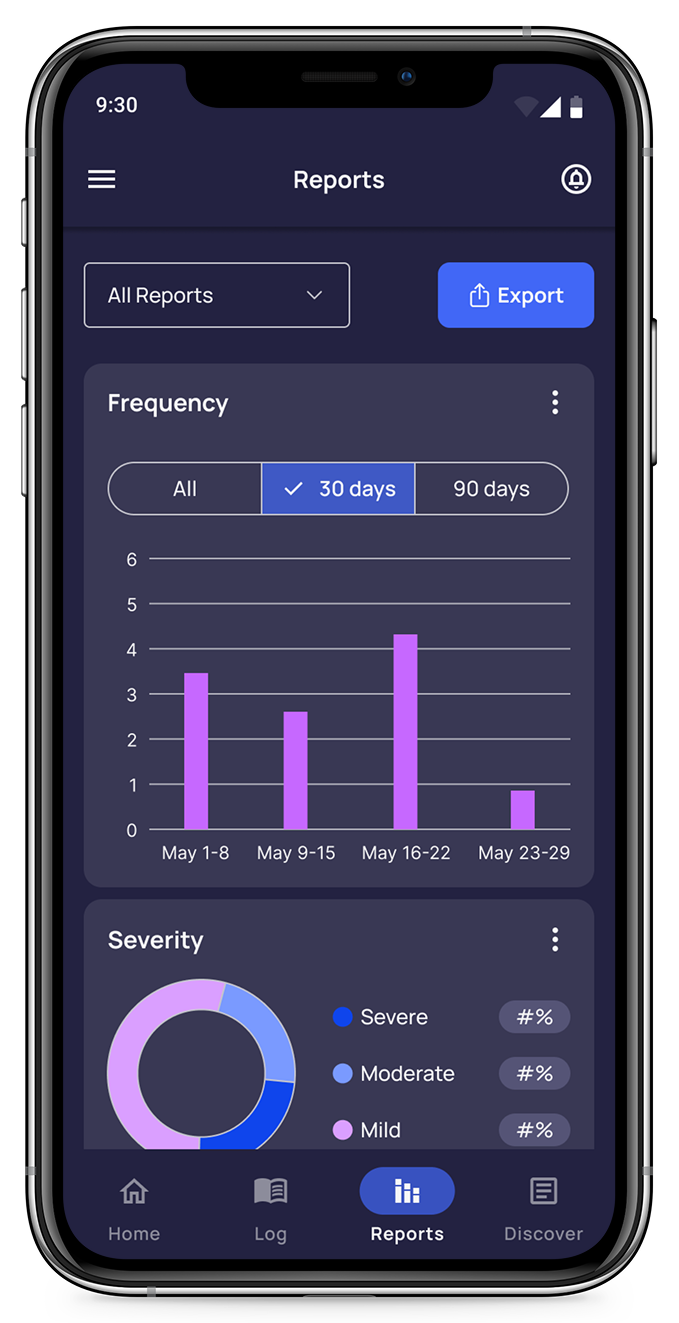
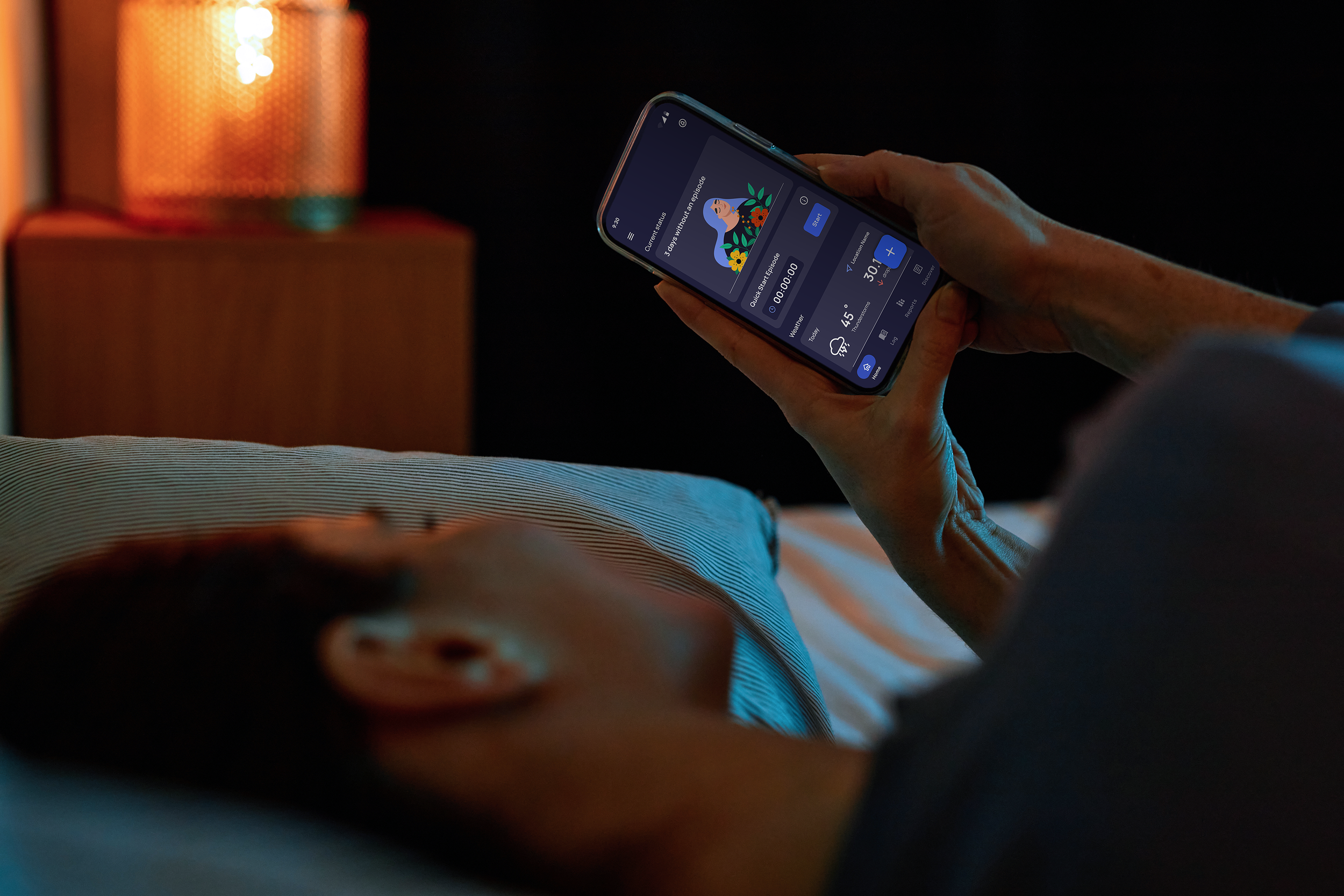
For my capstone CareerFoundry project, I designed a healthcare app that helps people track headaches and migraines over time. By logging symptoms, triggers, headache types, and frequency, users can identify patterns, gain meaningful insights into their condition, and make more informed decisions about managing their health.
User Interviews & Personas
1
Task Flows & Wireframes
2
Mid-Fidelity Mockups
3
User Testing
4
Style Guide
5
Final Product
6
Interviews
I interviewed three individuals representing potential users for the app. They all have varying levels of experience with migraines and headaches. The participants were women between the ages of 24-66 years old. These interviews helped inform the user personas I referenced for this project.
Methodology
Virtual Meeting
Session Duration
30 minutes
Shadé
24 years old, Graduate Student
“I think it does affect my life, but I’ve been just pushing through.”
Understanding headaches: “not at all.”
“I’m not sure if I have triggers. It’d be great to know because I could maybe stop them from happening.”
Meagan
35 years old, PR Manager
“I have a good understanding of my migraines because I’ve been trying to evaluate them most of my adult life.”
“When they happen, they affect my day a lot. It’s difficult to look at a screen and do my job.”
Wants to know how to treat migraine, what to avoid during certain times, how to avoid the pain, etc.
Denise
66 years old, Retired
“I think I have a very good understanding & awareness [of my migraines], and it took a while.”
Wanted to see if there was any way to predict when migraine might occur, what to expect, etc.
In the last 10 years, hasn’t sought out info: now is very familiar with patterns and symptoms.
User Personas

Persona 1
Julie: The new sufferer ready to learn
Julie has been out of college for a few years, and is working as a marketing assistant. Her work days are long with a lot of time spent on a computer and in meetings. She enjoys exploring new food and drink venues with her friends. Julie has started experiencing frequent headaches and migraines, and is navigating this new condition.
Goals & Tasks
Easy & quick way to record events
Relevant, useful data: corollary insights
Learning about and understanding new condition
Develop strategies on how to deal with migraines
Being able to communicate effectively with doctor.

Persona 2
Heather: The pro dealing with change
Heather leads a busy life with her husband, two kids, and part-time job. Throughout the day, she works from home and being involved in her children’s activities. Heather has dealt with migraines for over a decade, but has recently experienced a change in her migraine symptoms and patterns, and wants to investigate further.
Goals & Tasks
Understand what is happening and why
Quickly enter information about an episode
Use an app that is specific to her: no excess
Learn from others with similar experiences
Track new migraine patterns & identify what has changed
Adjust pain management strategies and make lifestyle adjustments as needed
Task Flows & Wireframes
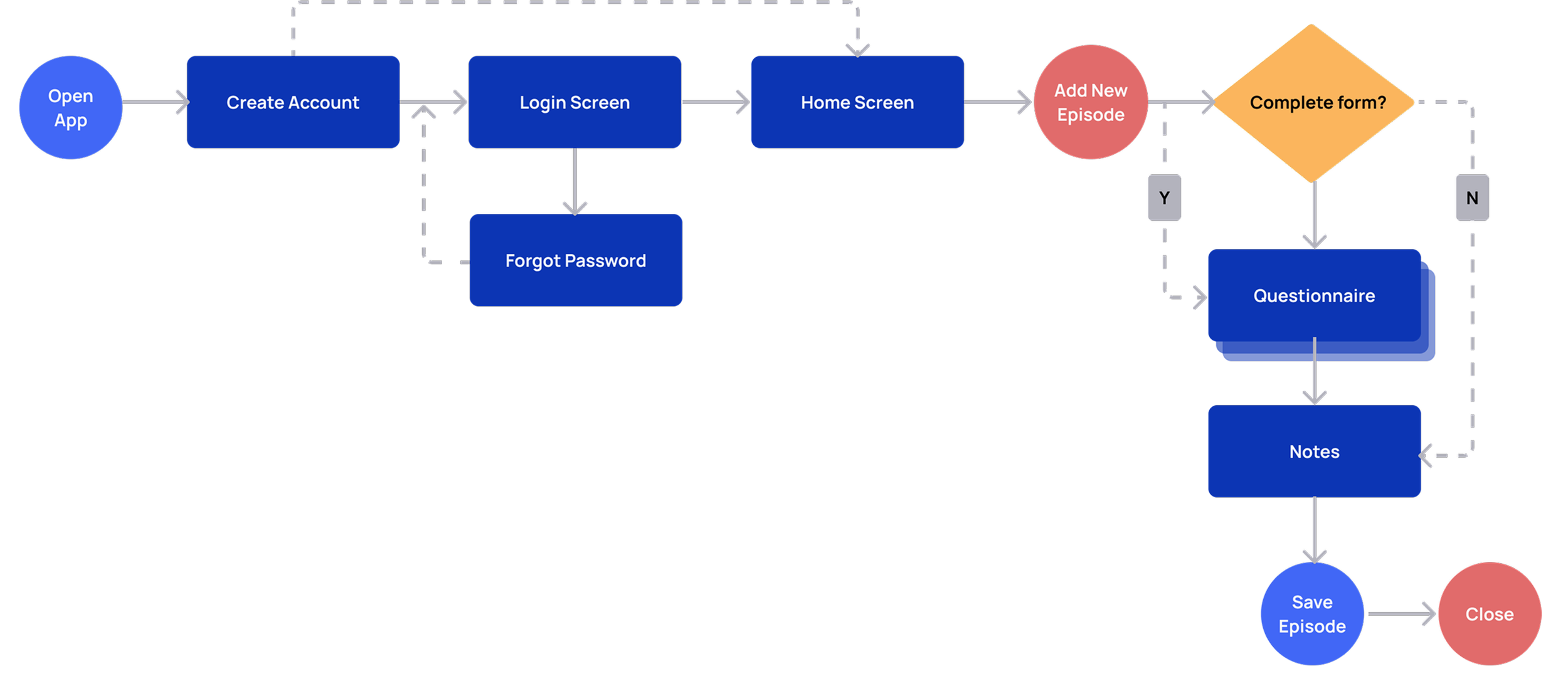
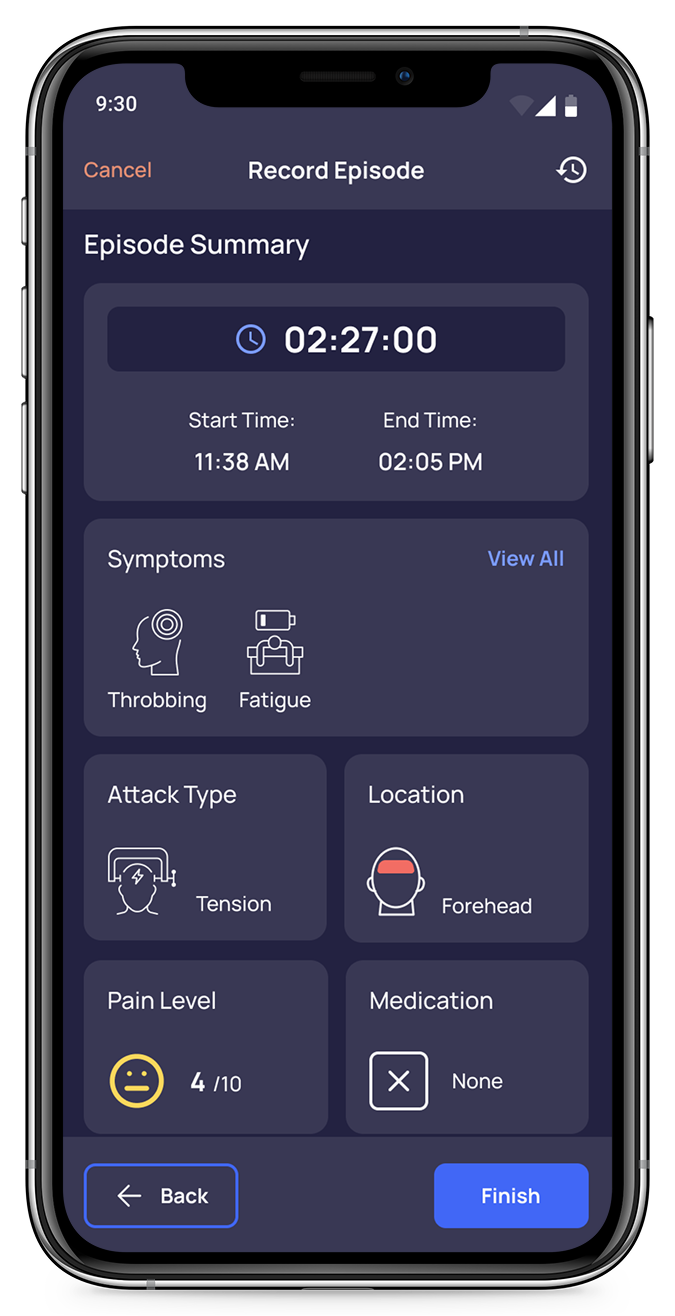
Task 1: Log a New Episode
“As a person experiencing migraines for the first time, I want to start recording my episodes, so that I can eventually discover patterns, and better understand my new condition.”
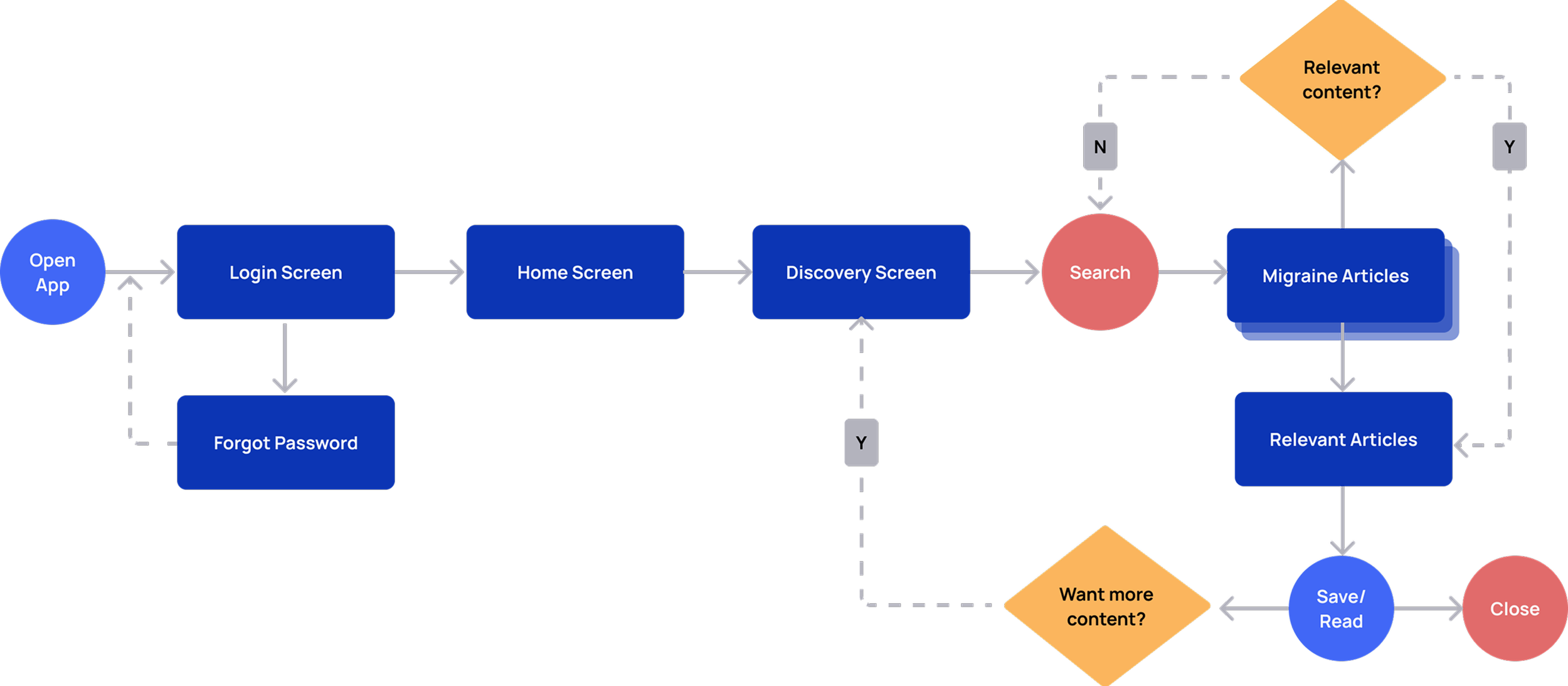
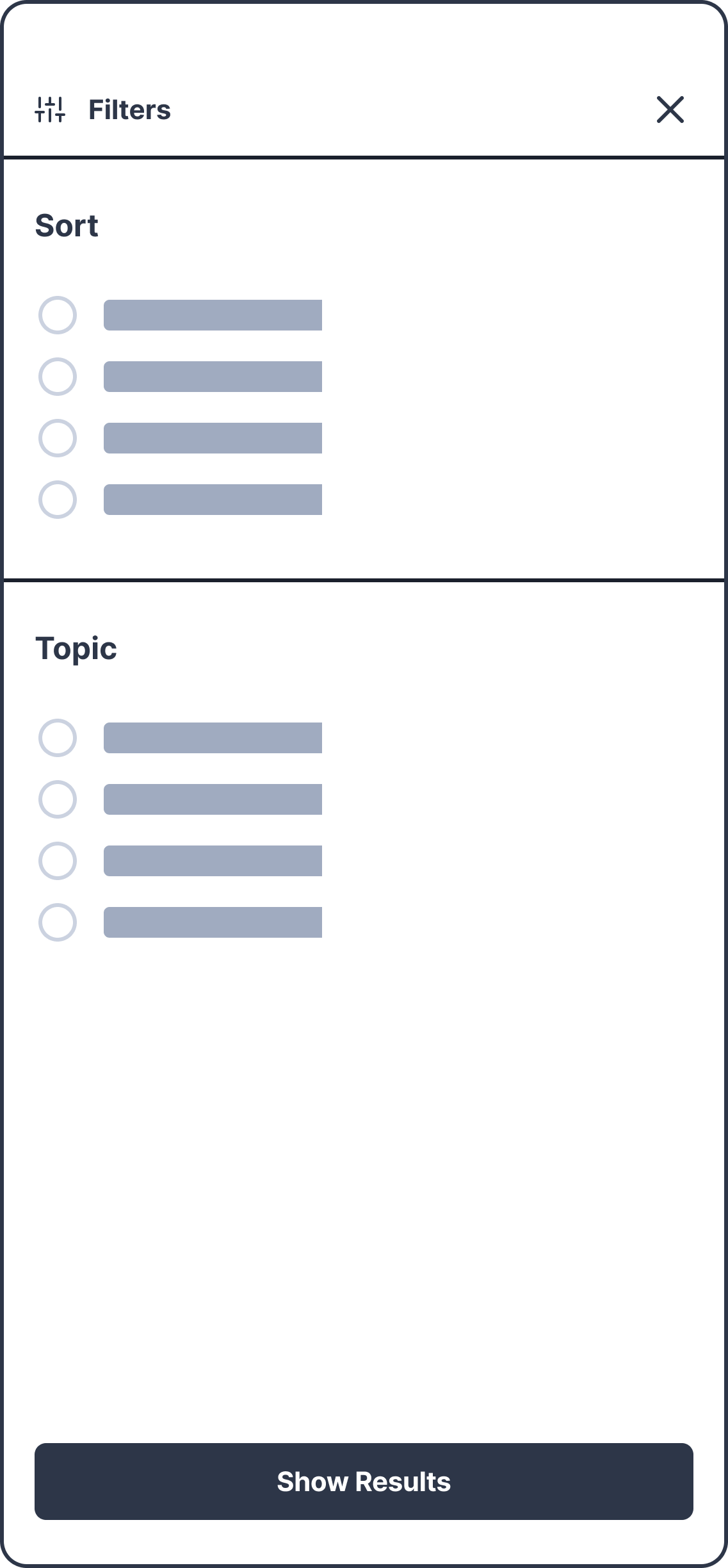
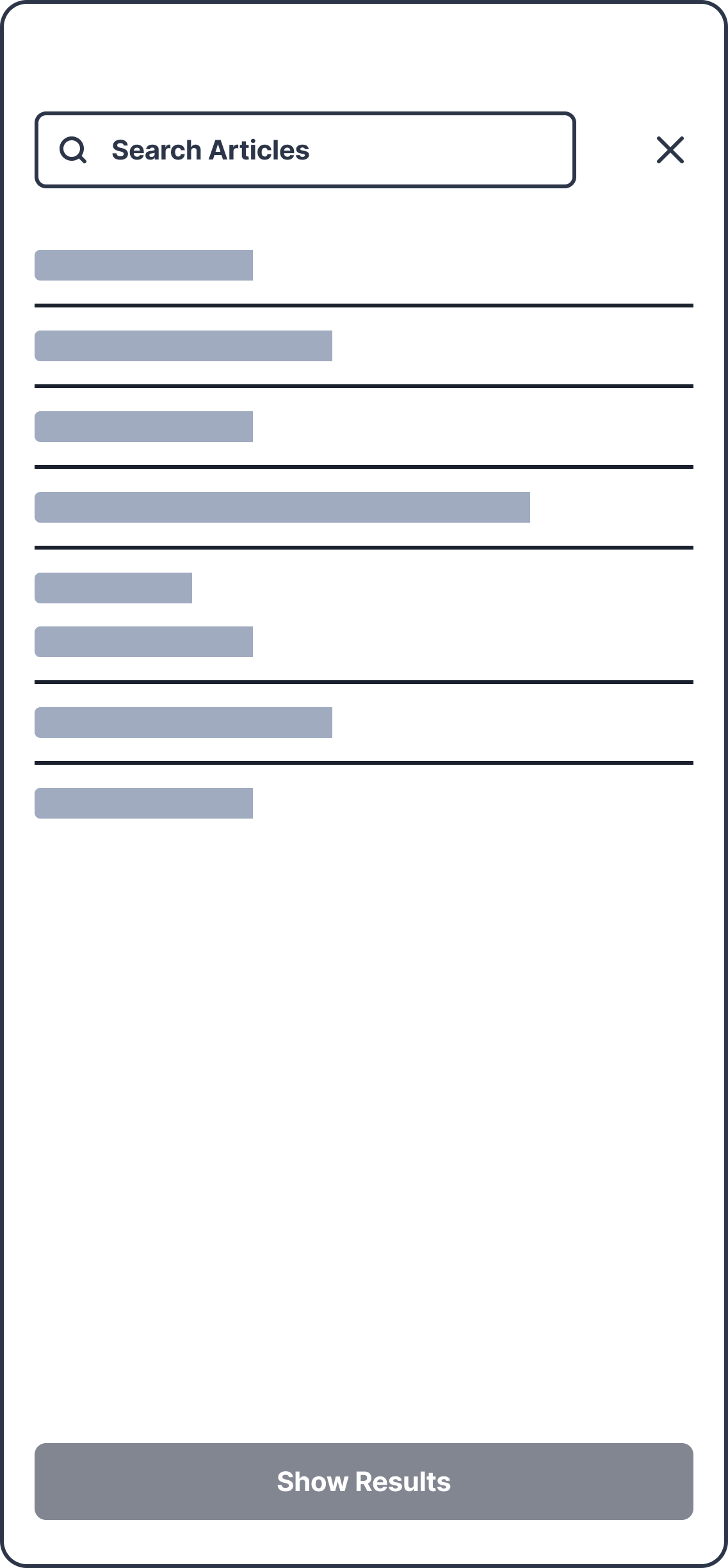
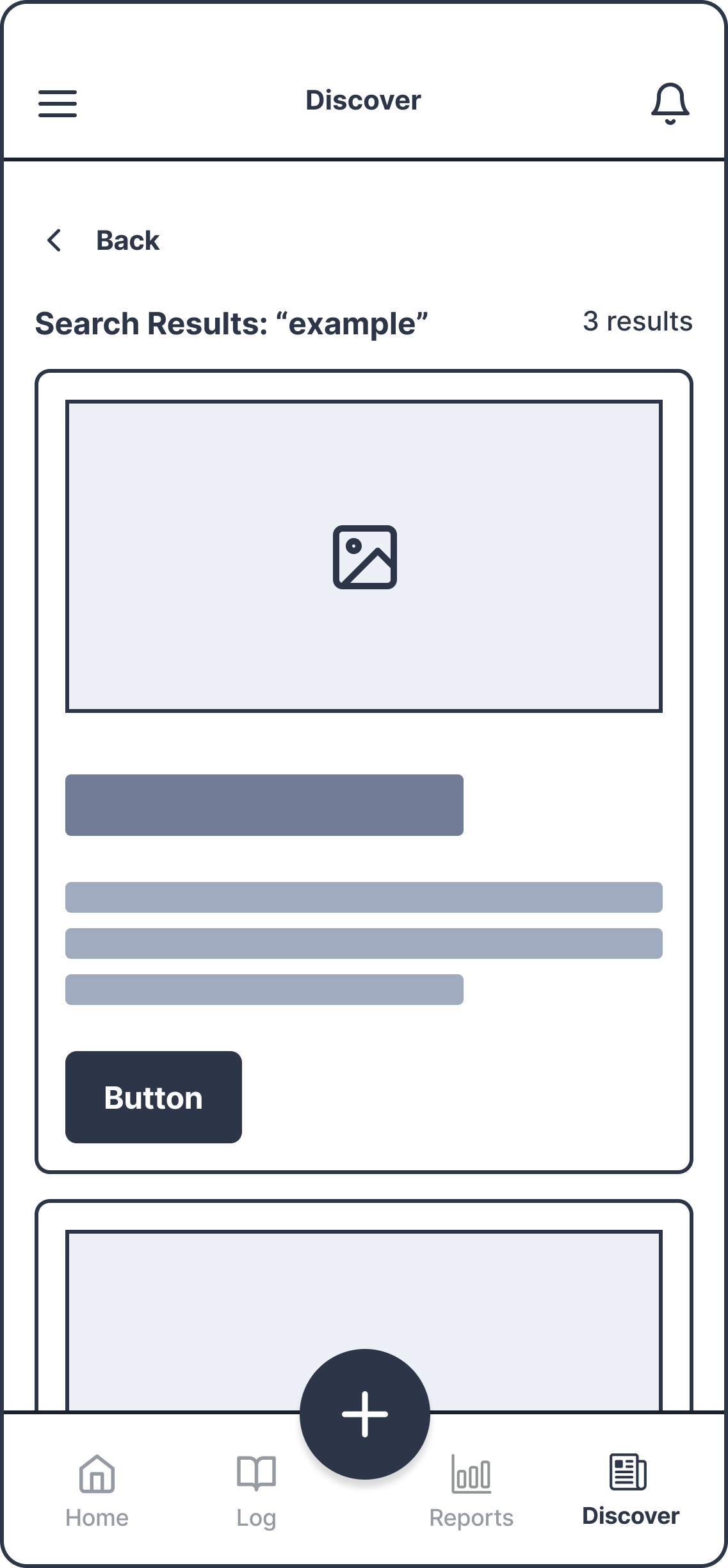
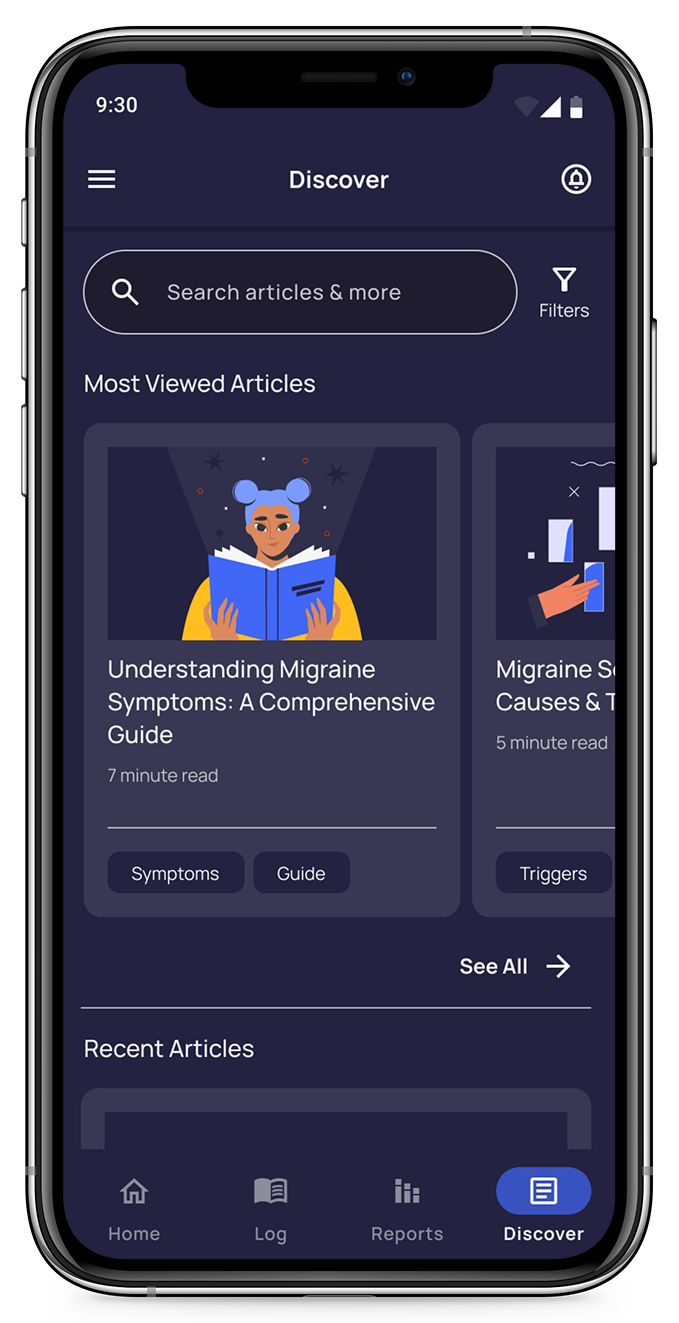
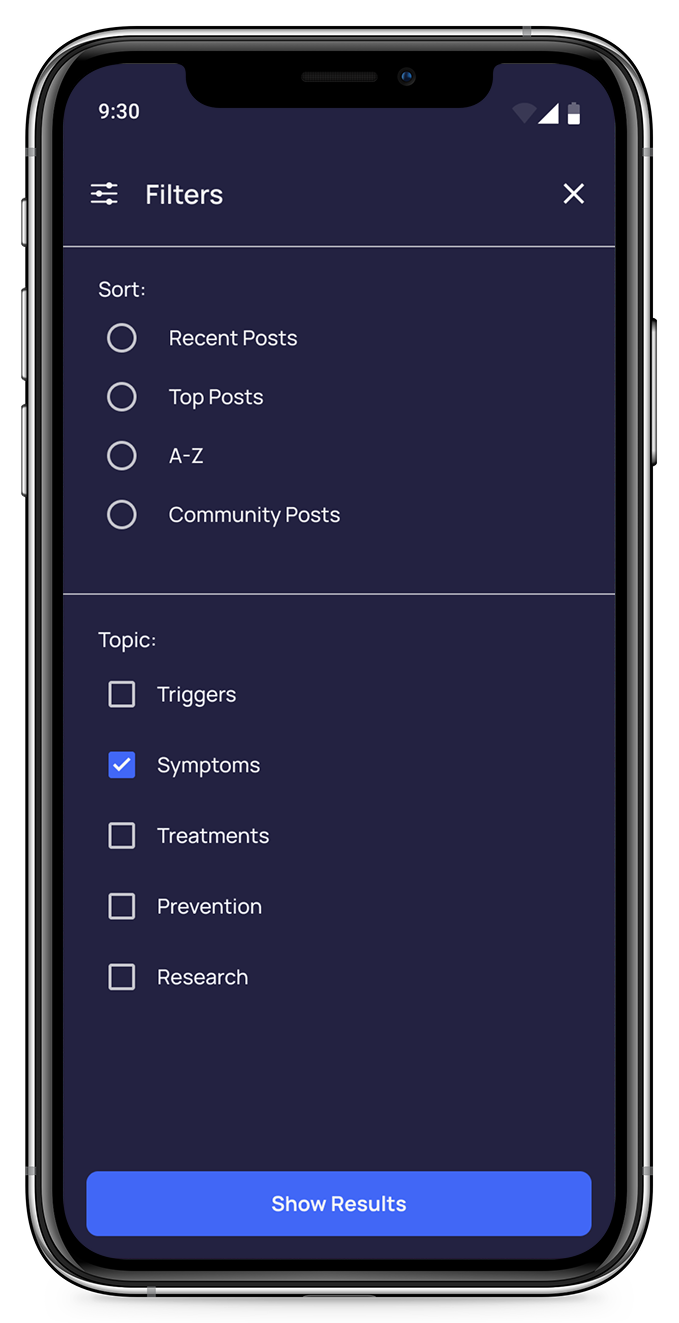
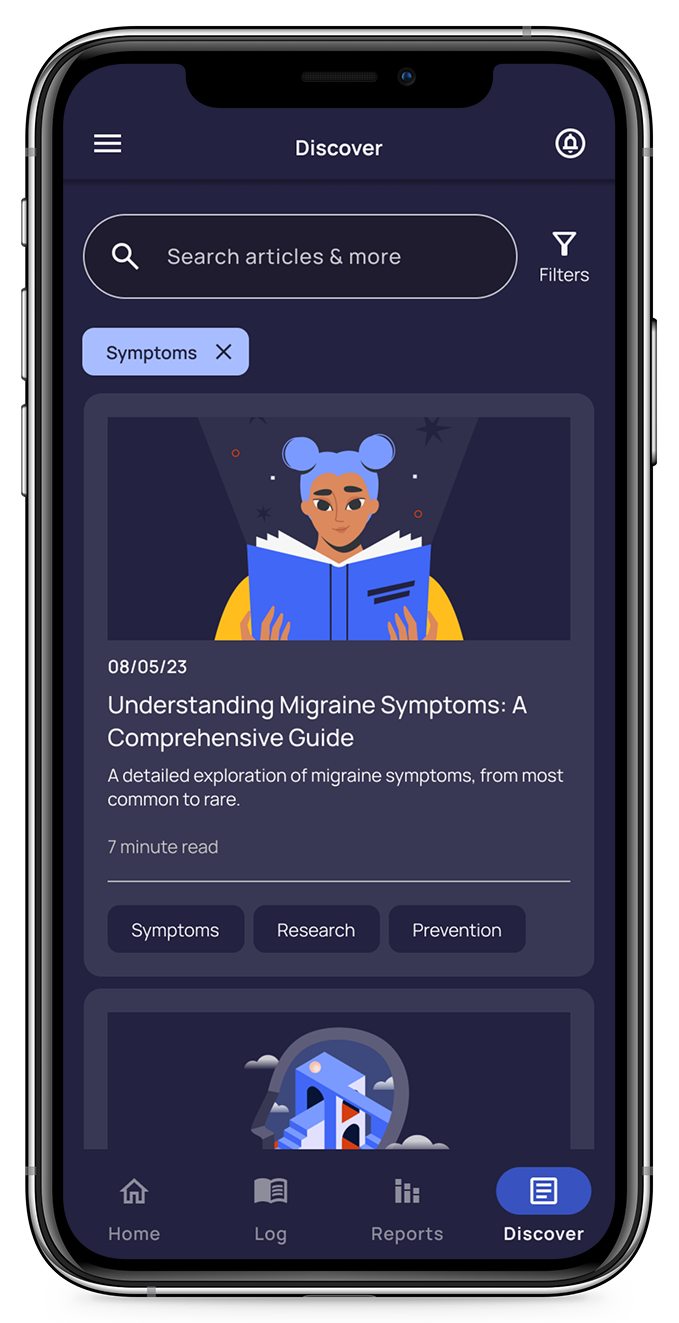
Task 2: Find Migraine Articles
“As a person experiencing changes to migraine patterns and symptoms, I want to find information related to my experiences, so that I can research why these changes occurred and how to readjust my management strategies.”
Mid-Fidelity Mockups
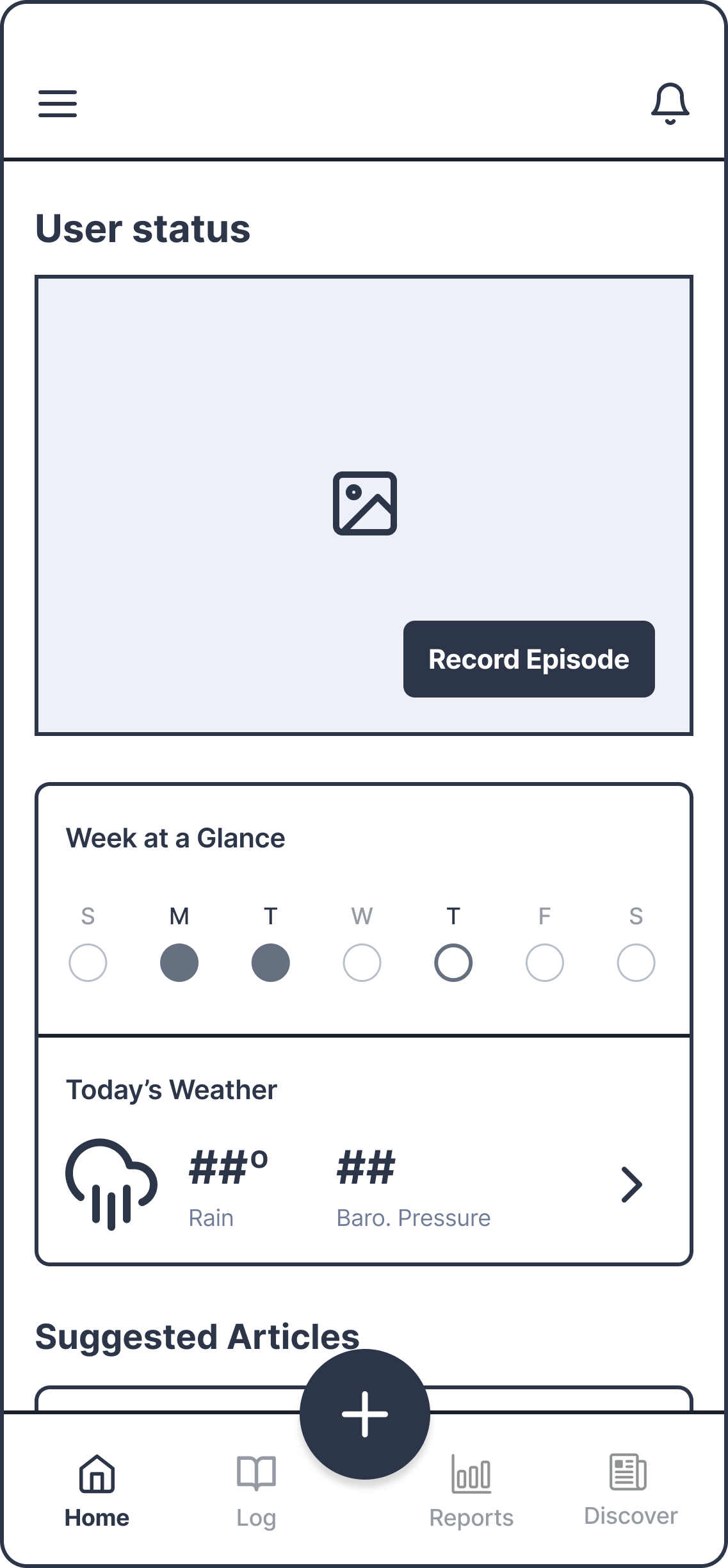
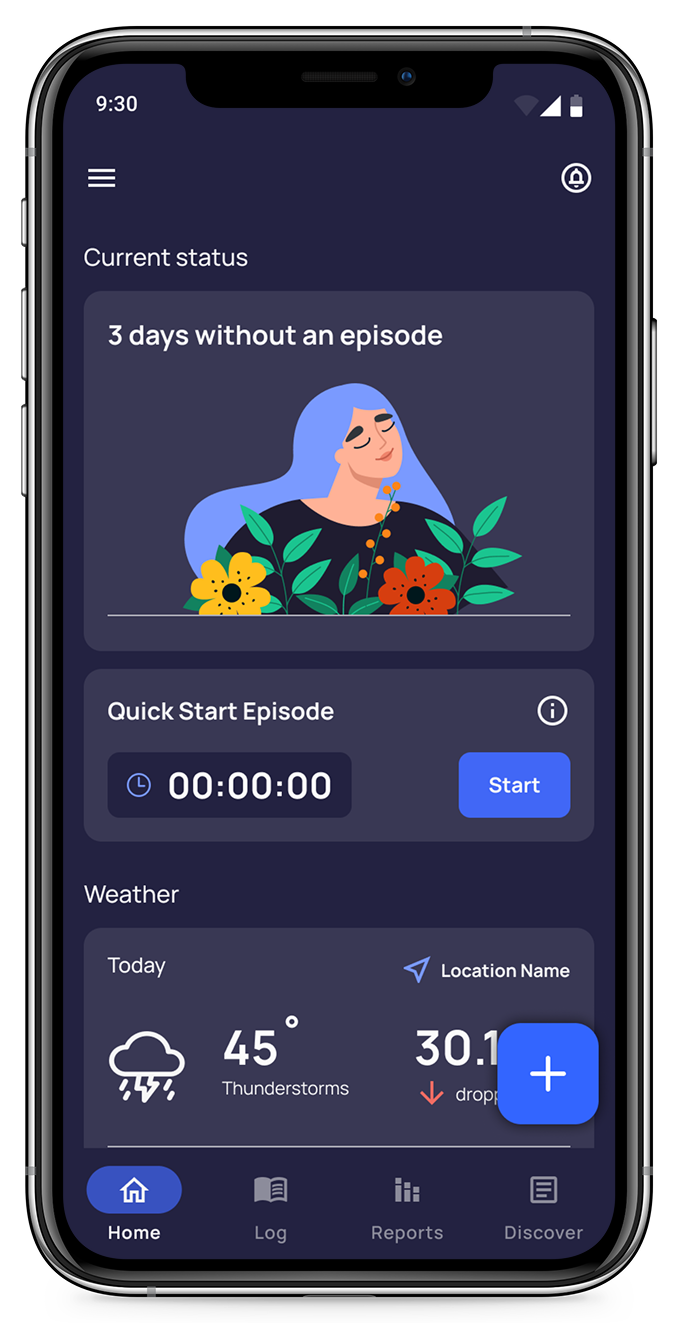
Using the user tasks to inform my initial wireframe sketches, I moved on to mid-fidelity mockups. Applying these elements brought the app concepts into clearer focus, and provided a foundation for a consistent layout throughout the app.
Task 1: Log a New Episode
Home Page
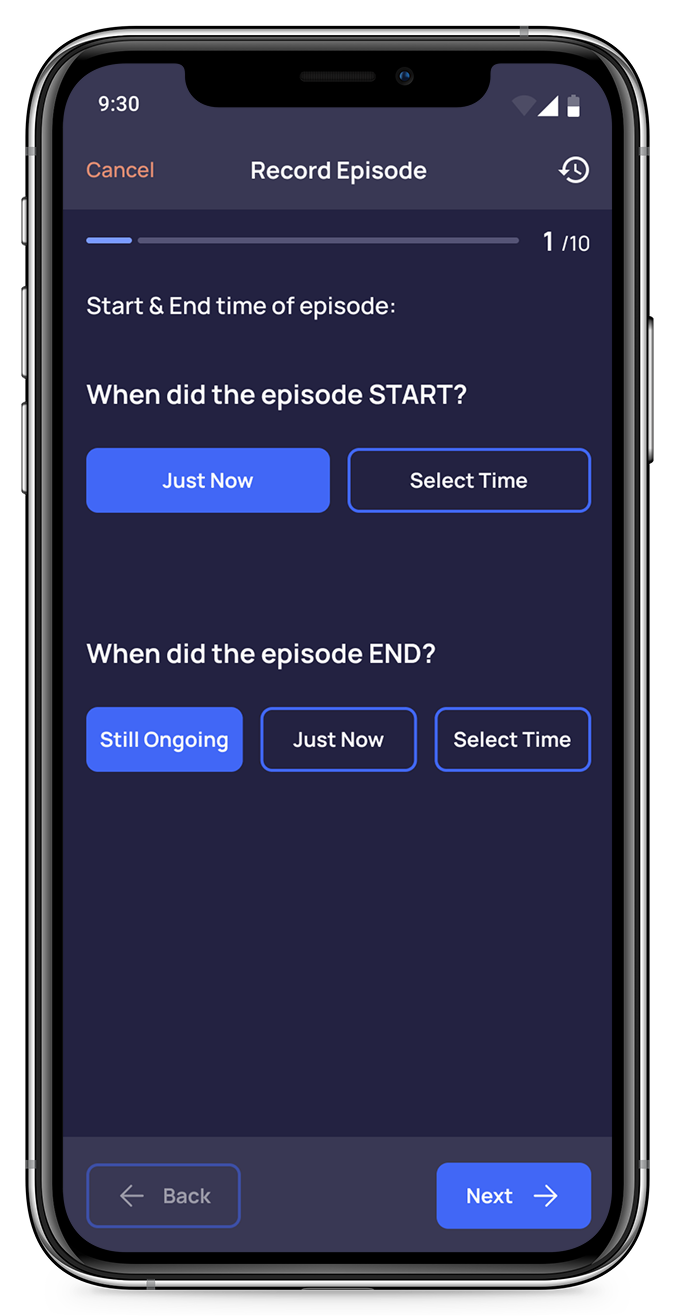
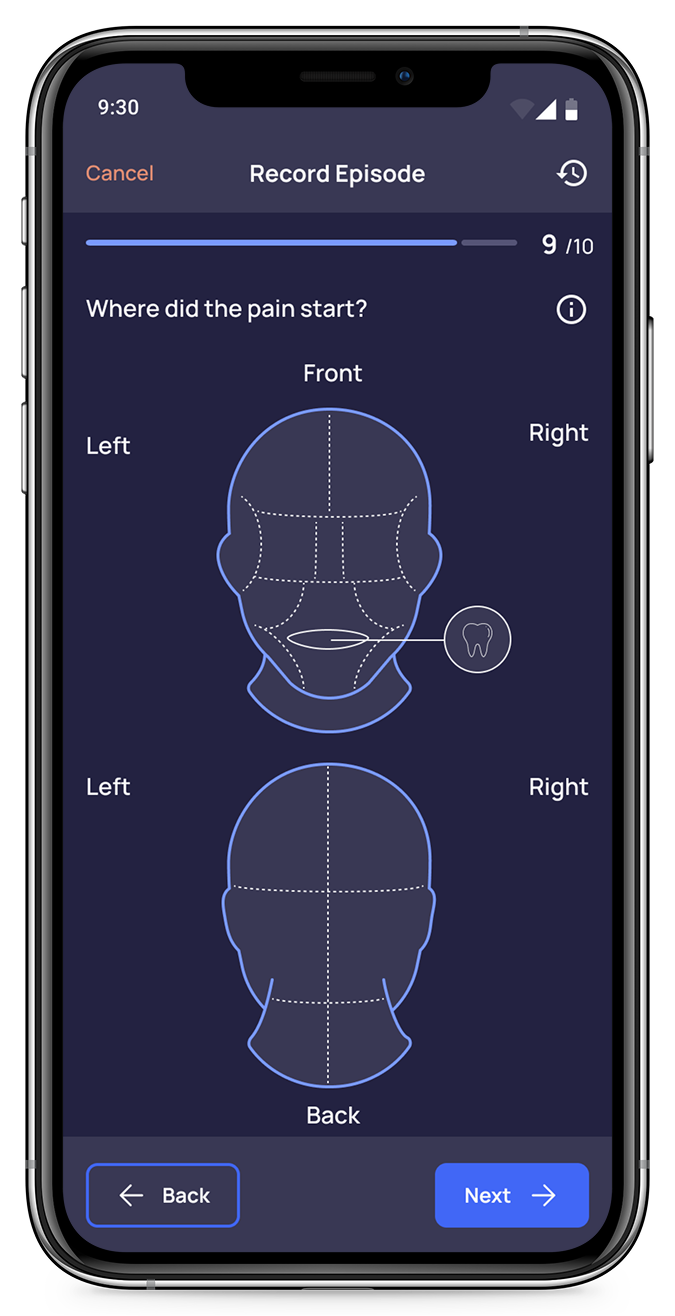
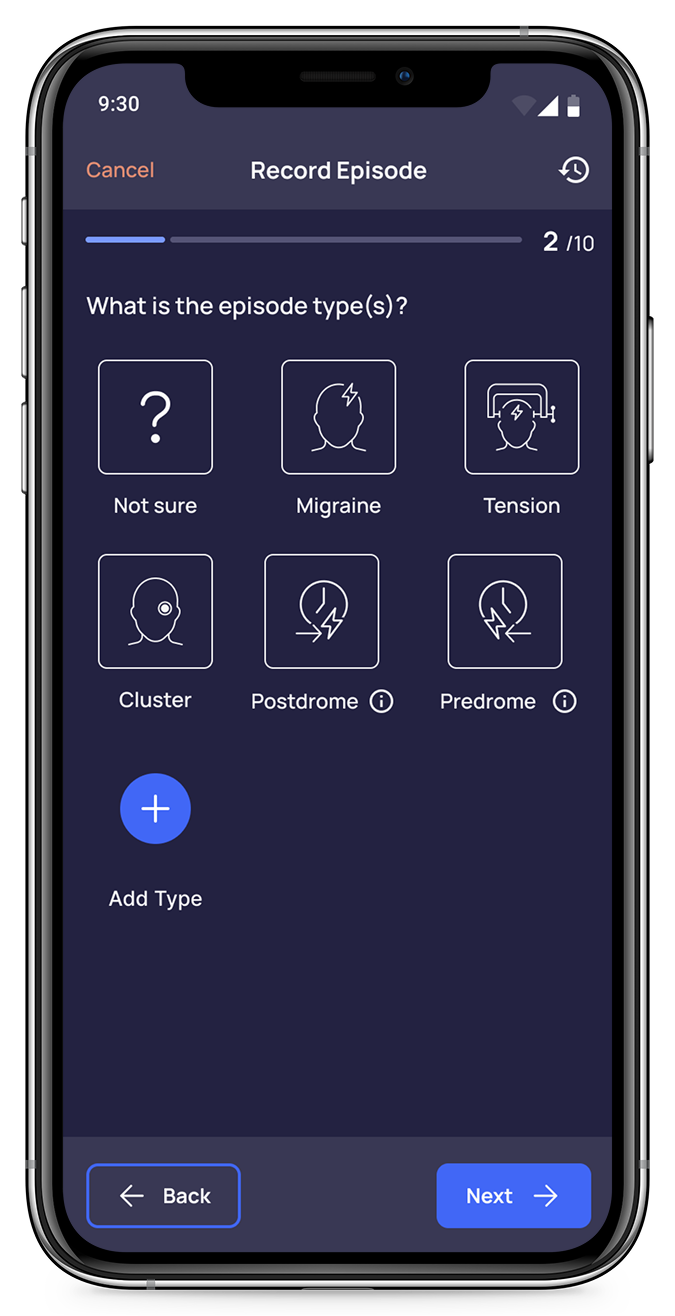
Record Episode 1
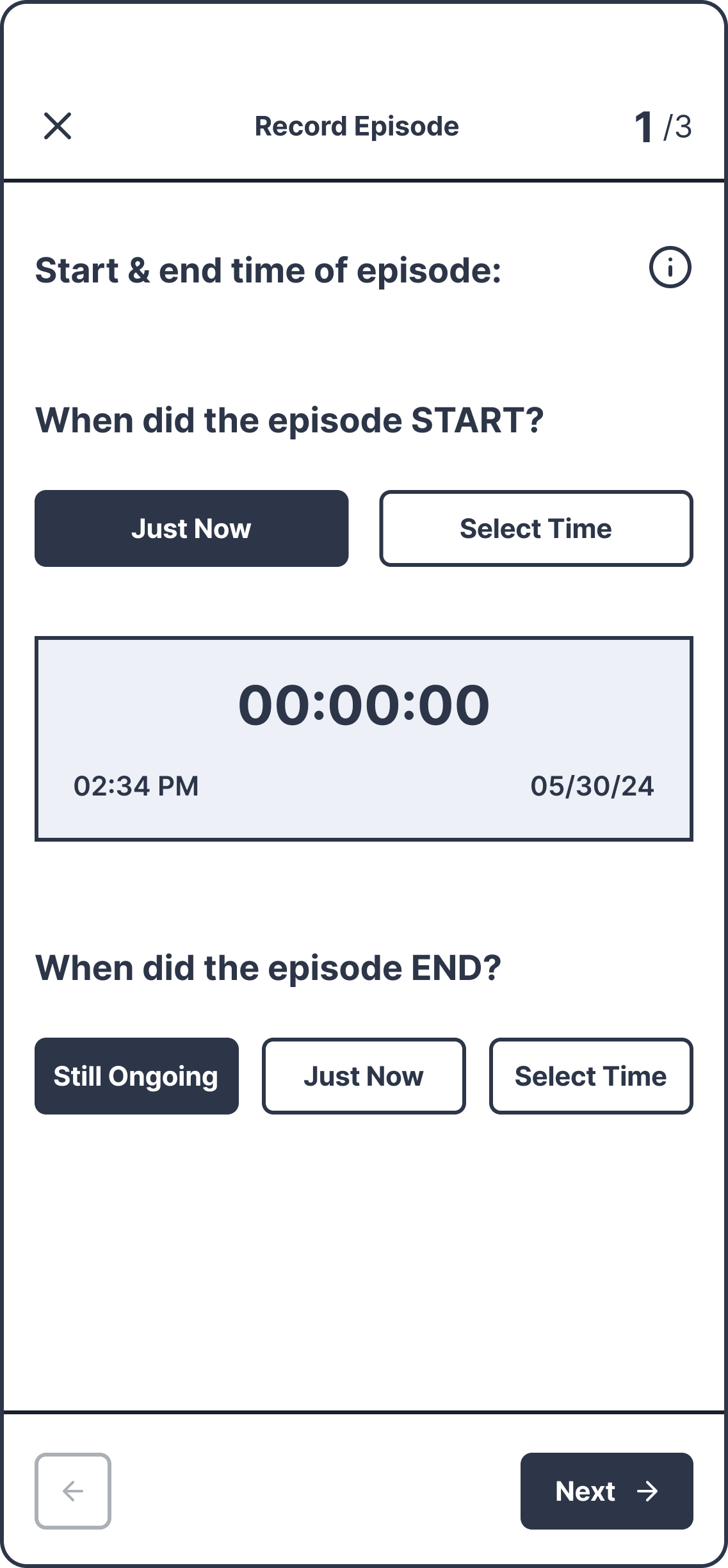
Record Episode 2
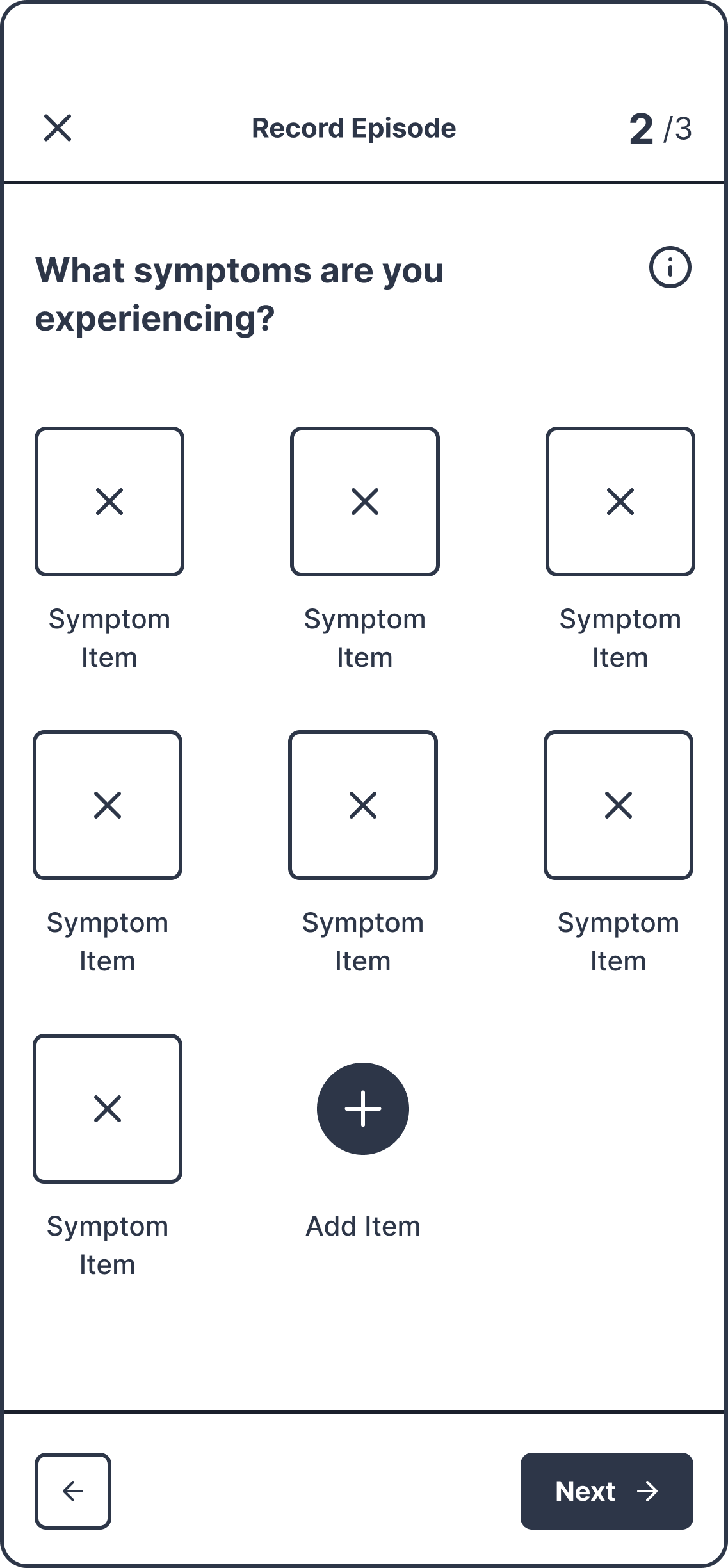
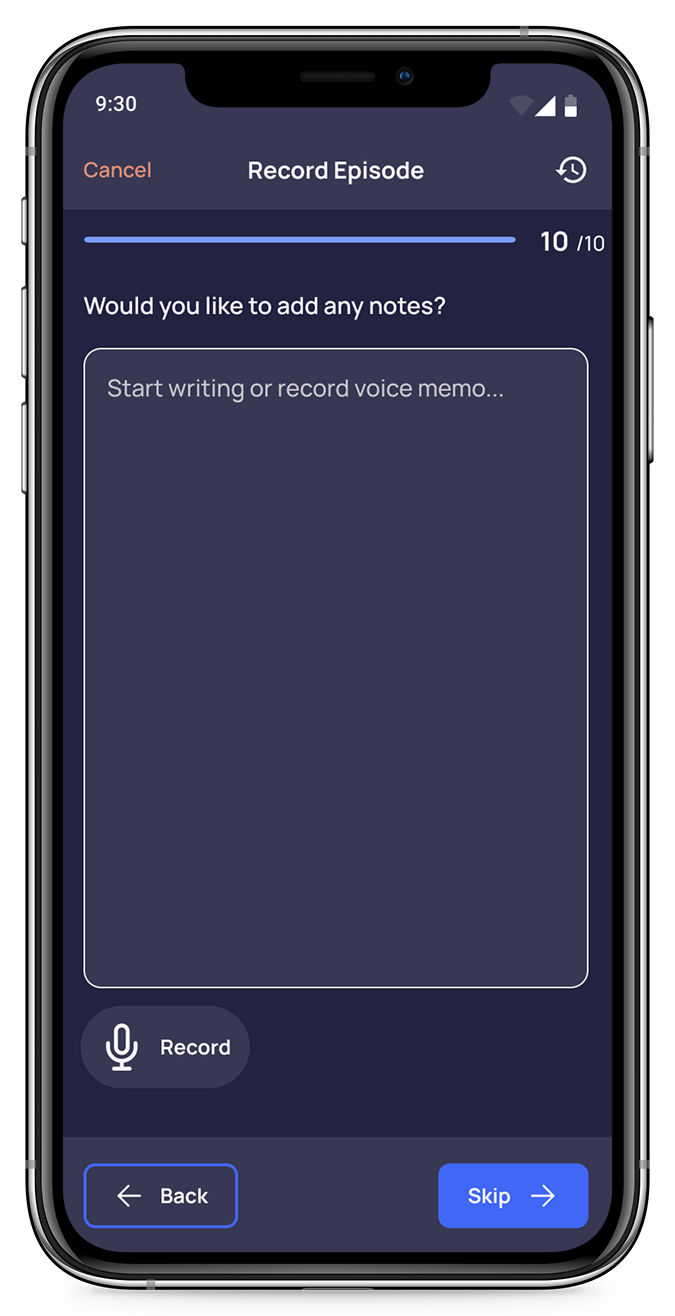
Record Episode 3
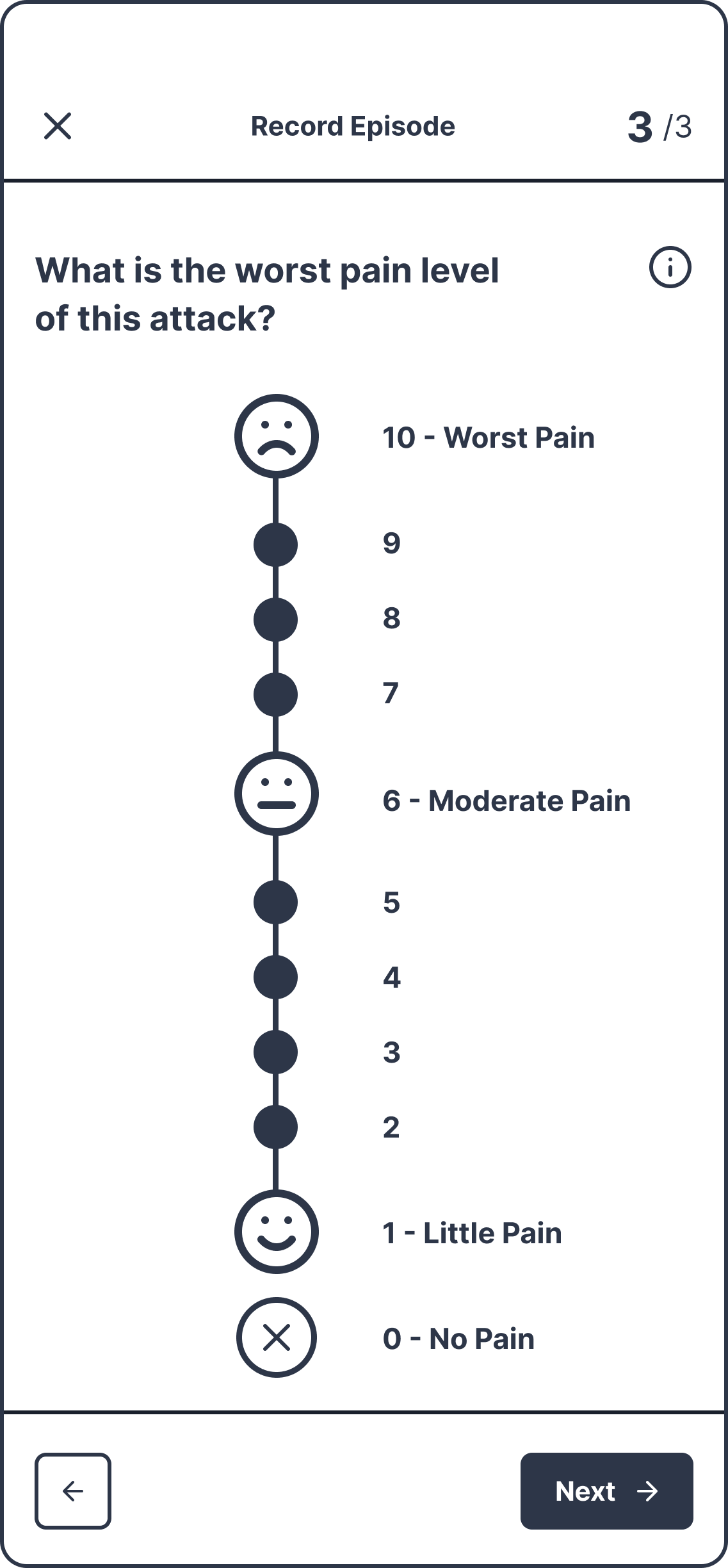
Episode Summary
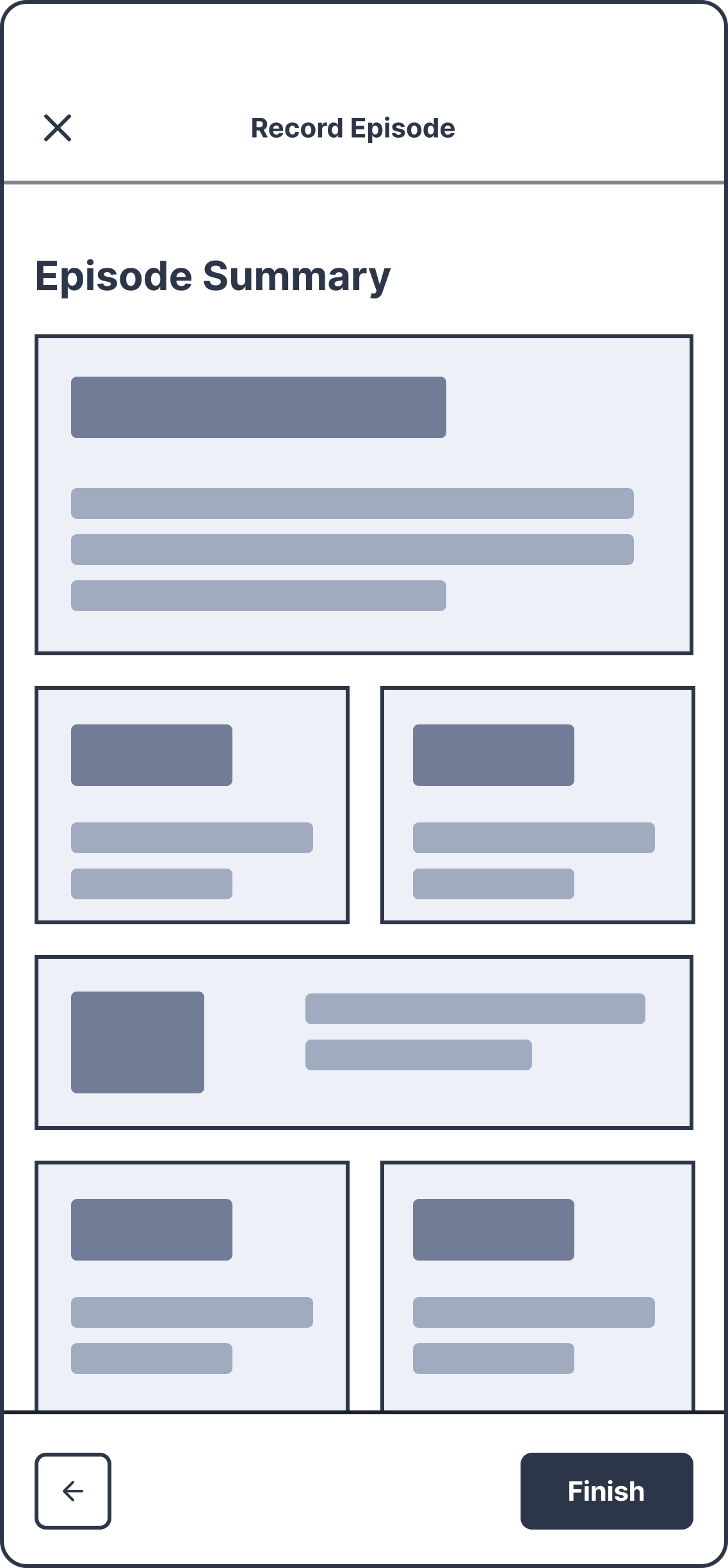
Task 2: Find Migraine Articles
Discover Page
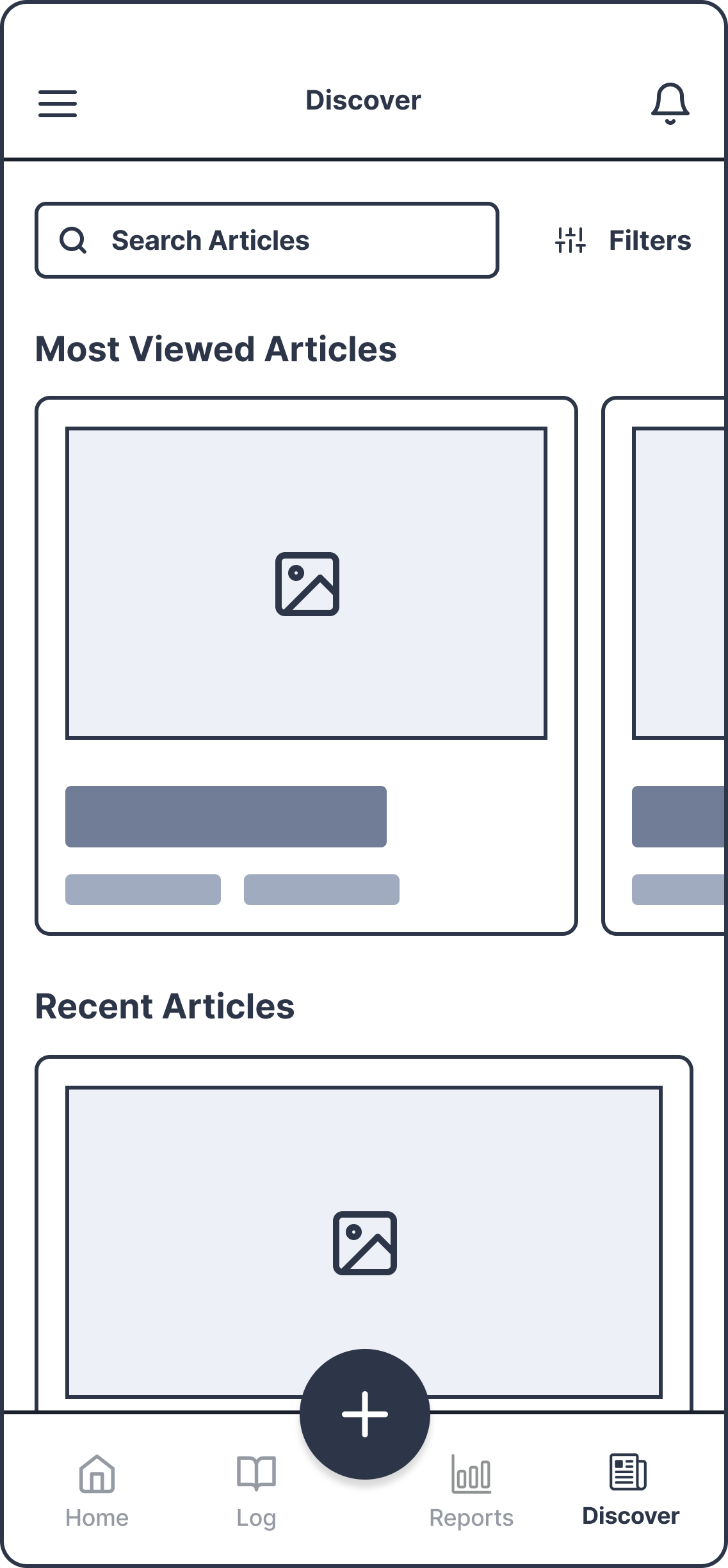
Filters Pop up
Search Pop up
Search Results
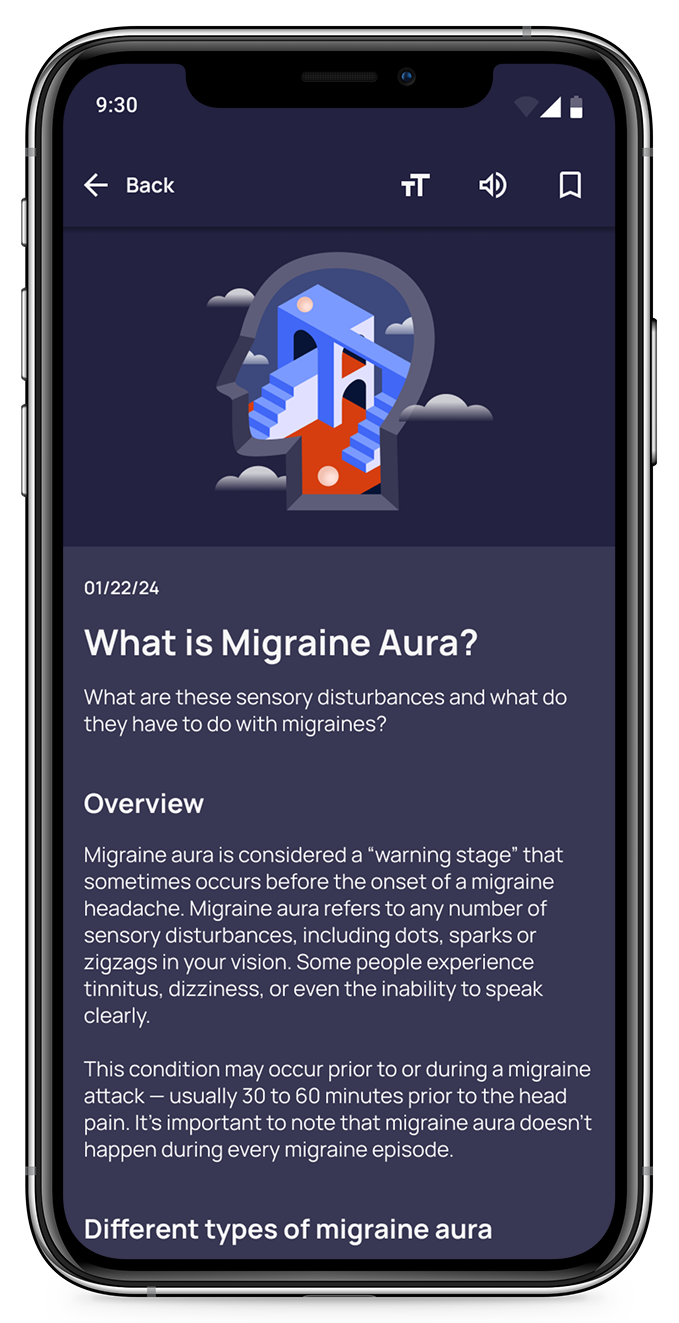
Article Page
User Testing
User testing was conducted on the first round of high-fidelity mockups, to assess the learnability, efficiency, and errors new users may encounter with this app for the first time. I also hoped to observe and measure user’s understanding of the project, its value, and how to complete initial functions.
Task 1: Record Episode
You have experienced a migraine/headache, and now that you’re recovering, want to retroactively document the event and your experiences. Using this app, log your migraine.
Methodology
Virtual, Moderated Meeting
Session Details
30 minutes, 3 Tasks

Task 2: Discover Articles
You want to find information related to migraine and headache symptoms. Using the app, find a way to learn about this topic.
Task 3: Export Report
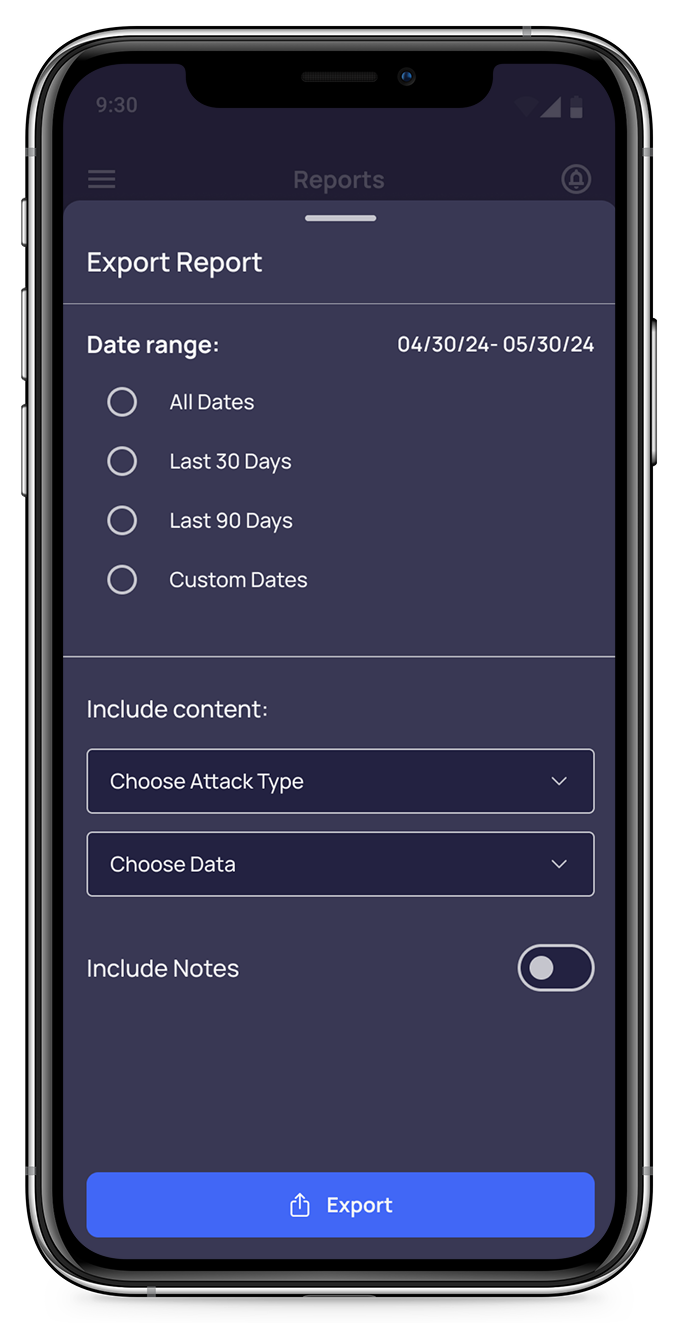
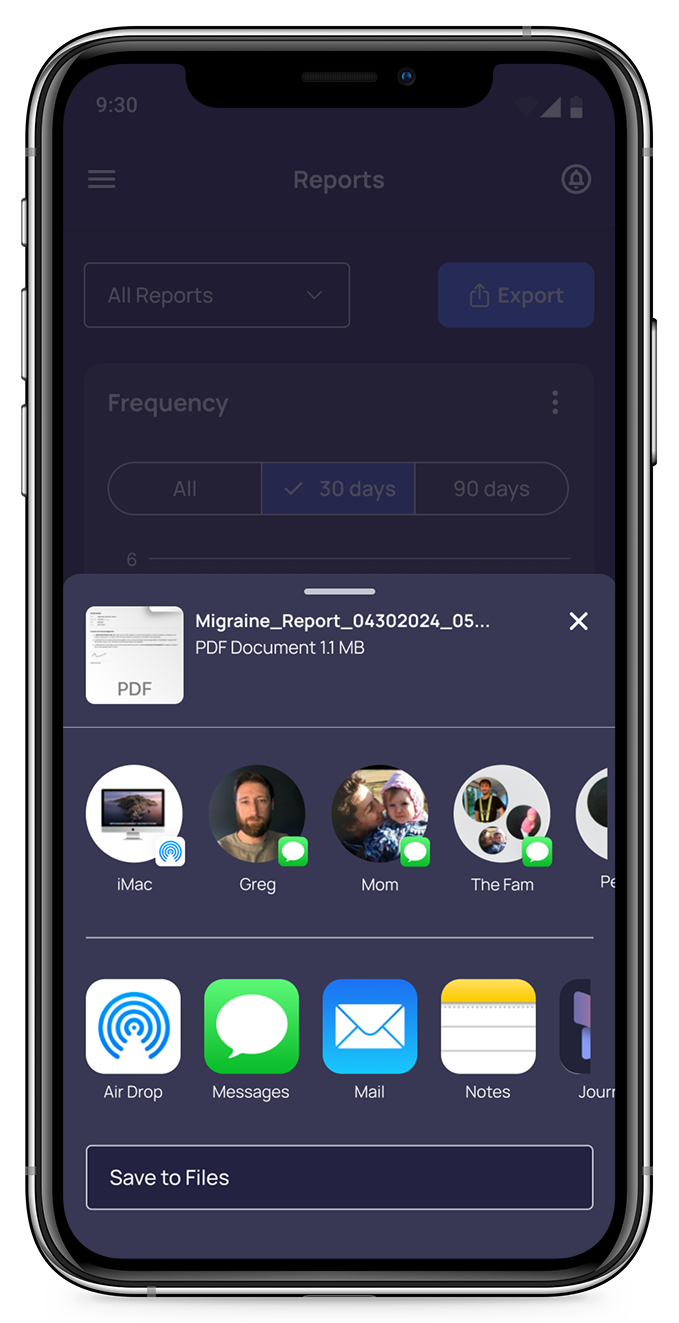
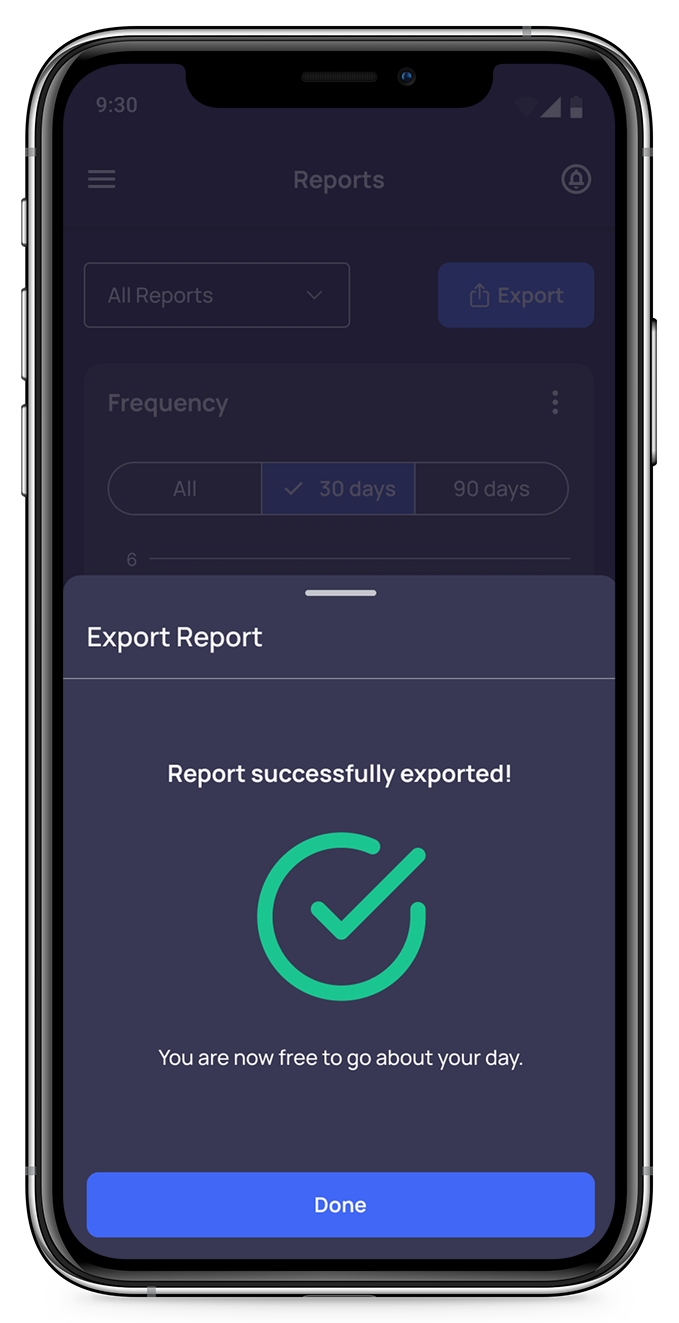
You’ve been recording your migraine episodes for a month, and would like to download and share the information you've gathered with your doctor. Using this app, find a way to share your collected records.
User Testing – Insights
User testing revealed some common themes. After receiving feedback, I organized recurring issues, identified the severity level, and came up with adjustments to resolve these problems.
Issue 1: Record vs. “+” Button
Severity
High
Evidence
Four participants commented on the buttons requiring some thought about whether they performed the same function, or if they took them to the same place.
Suggested Action
Adjust function of Record Episode to act as a start/stop timer, and + button to prompt Record Episode screens.
Issue 2: Reports vs. Log Tabs
Severity
Medium/High
Evidence
While they were successful in finding the “correct” page, many participants expressed the same distinction in their minds between Log and Reports, i.e. all episodes vs. summaries.
Suggested Action
Rework Log page to reflect expected content: collection of all episodes recorded.
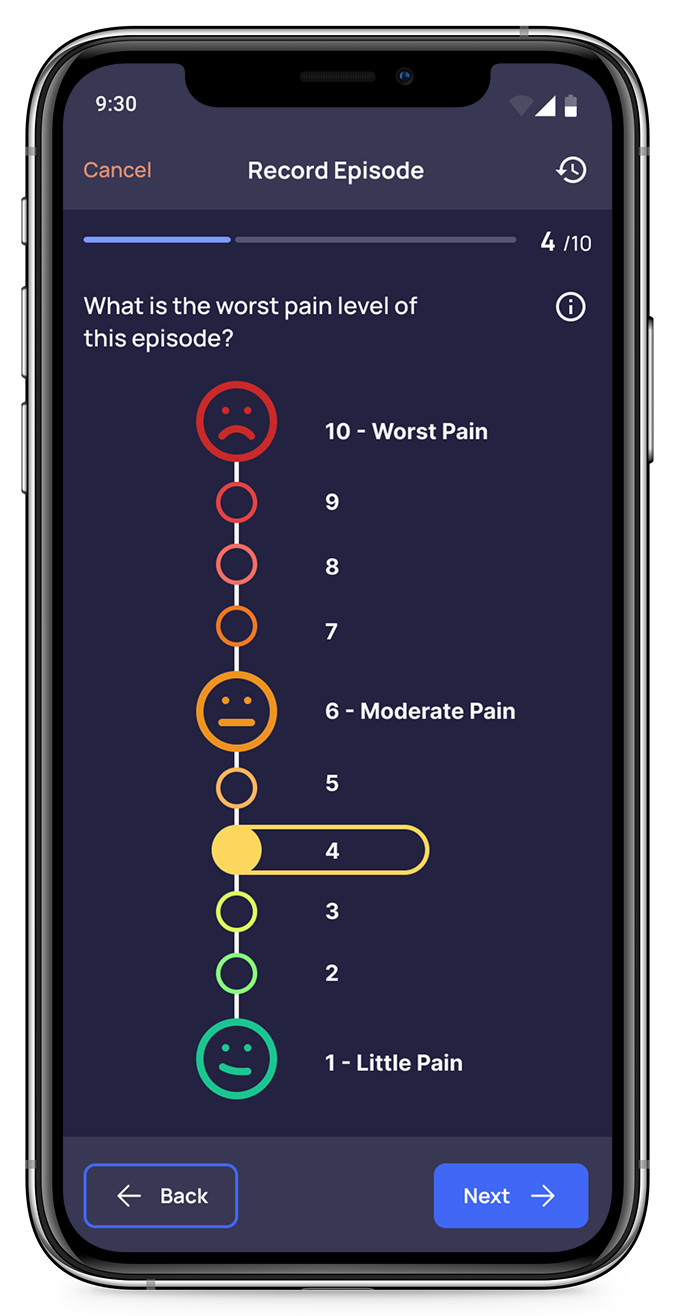
Issue 3: Unclear Pain Scale
Severity
Low
Evidence
While most participants didn’t question the scale, one mentioned it was unclear what was selected, and another thought the scale imagery could be improved.
Suggested Action
Adjust UI of pain scale to make sure selected and unselected states are distinct.
Other Improvements
Improve Touch Targets
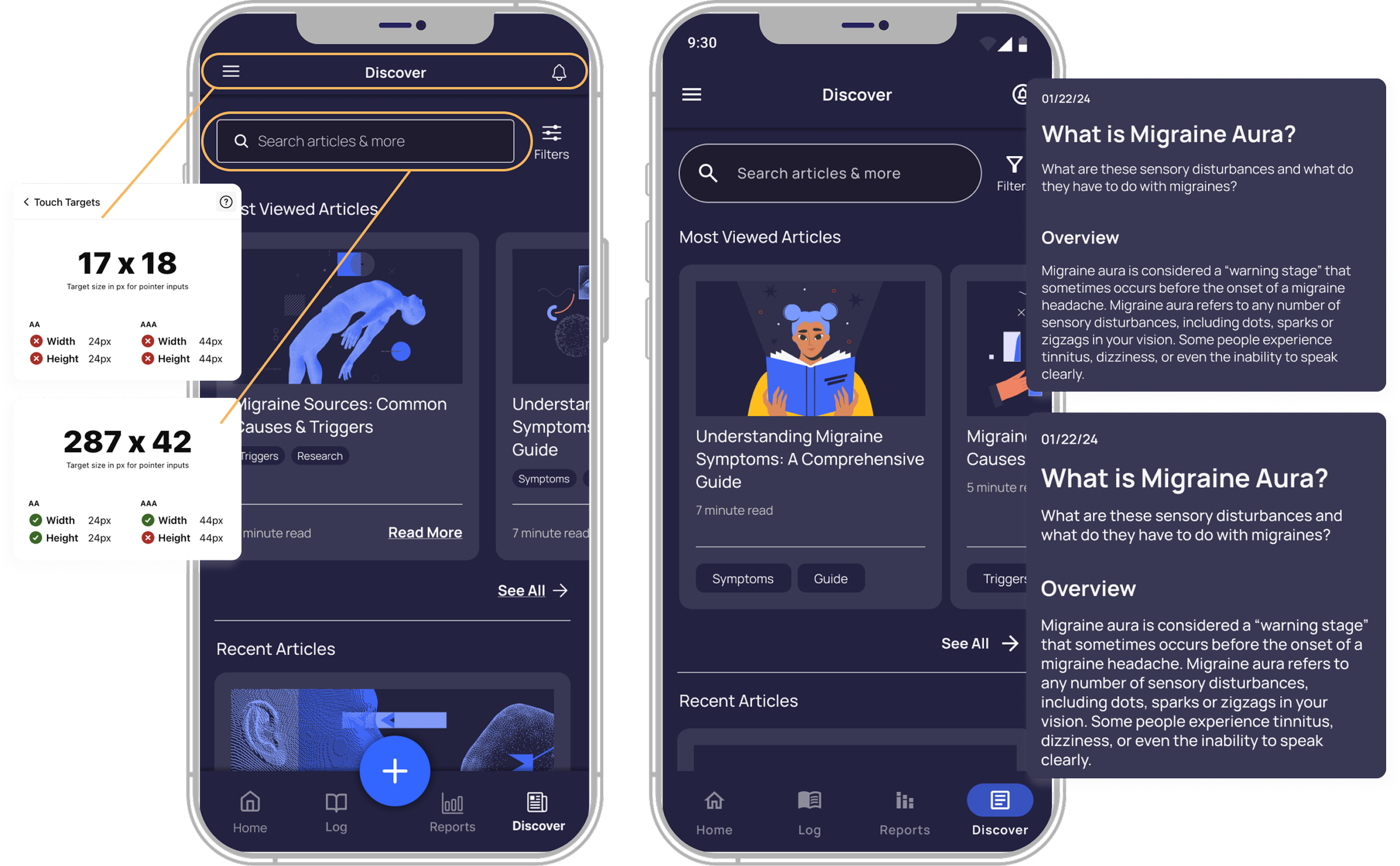
The most changes needed were to the touch target sizes. I increased icons, input fields, search bar, and other components for easier tap-ability.
Improve Typography
Only a few adjustments were needed on the articles page, so I increased the label and article font size. I also would allow users to increase the font size as needed, responding to their system-wide preferences, and supporting a zoom function.
Style Guide
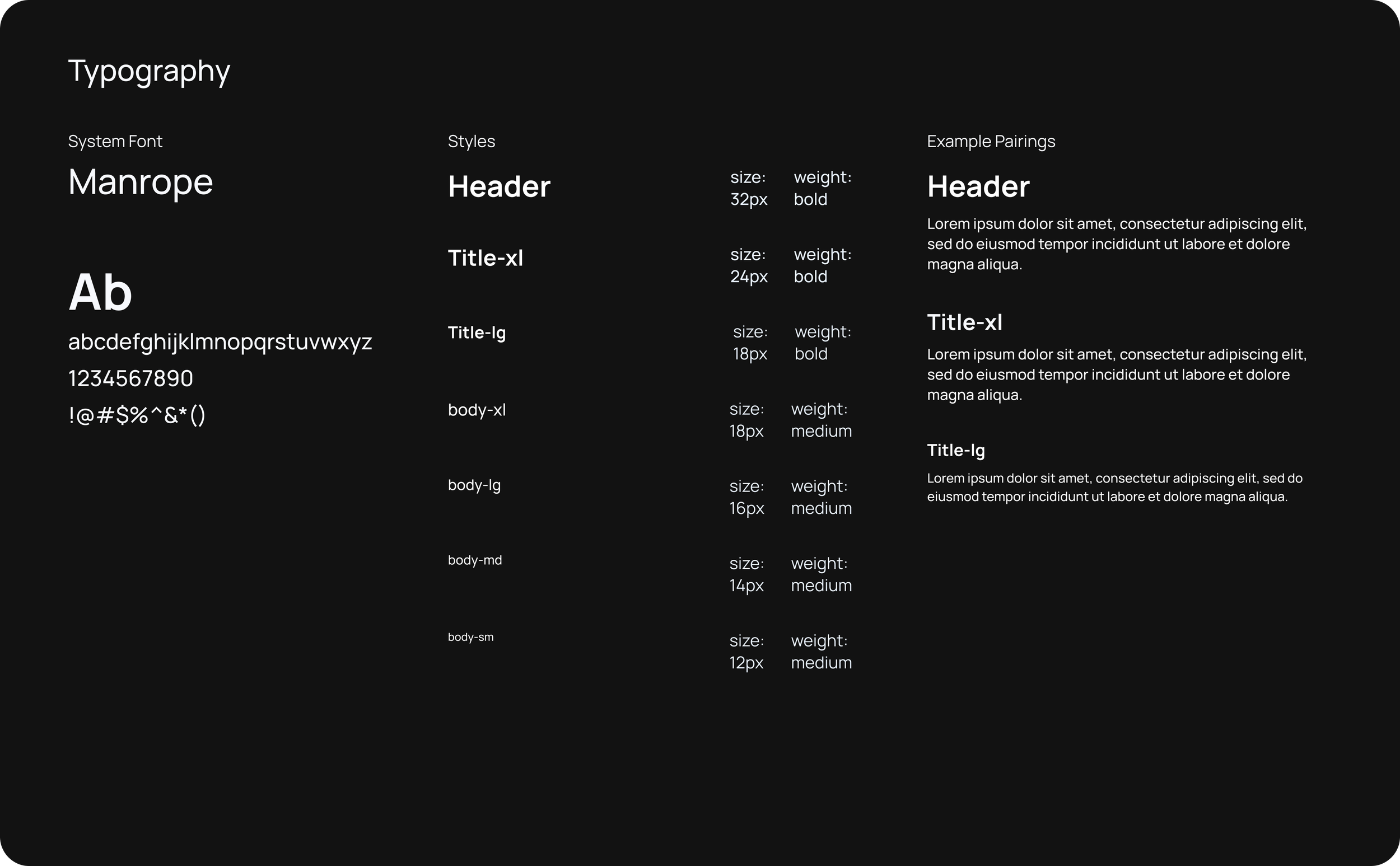
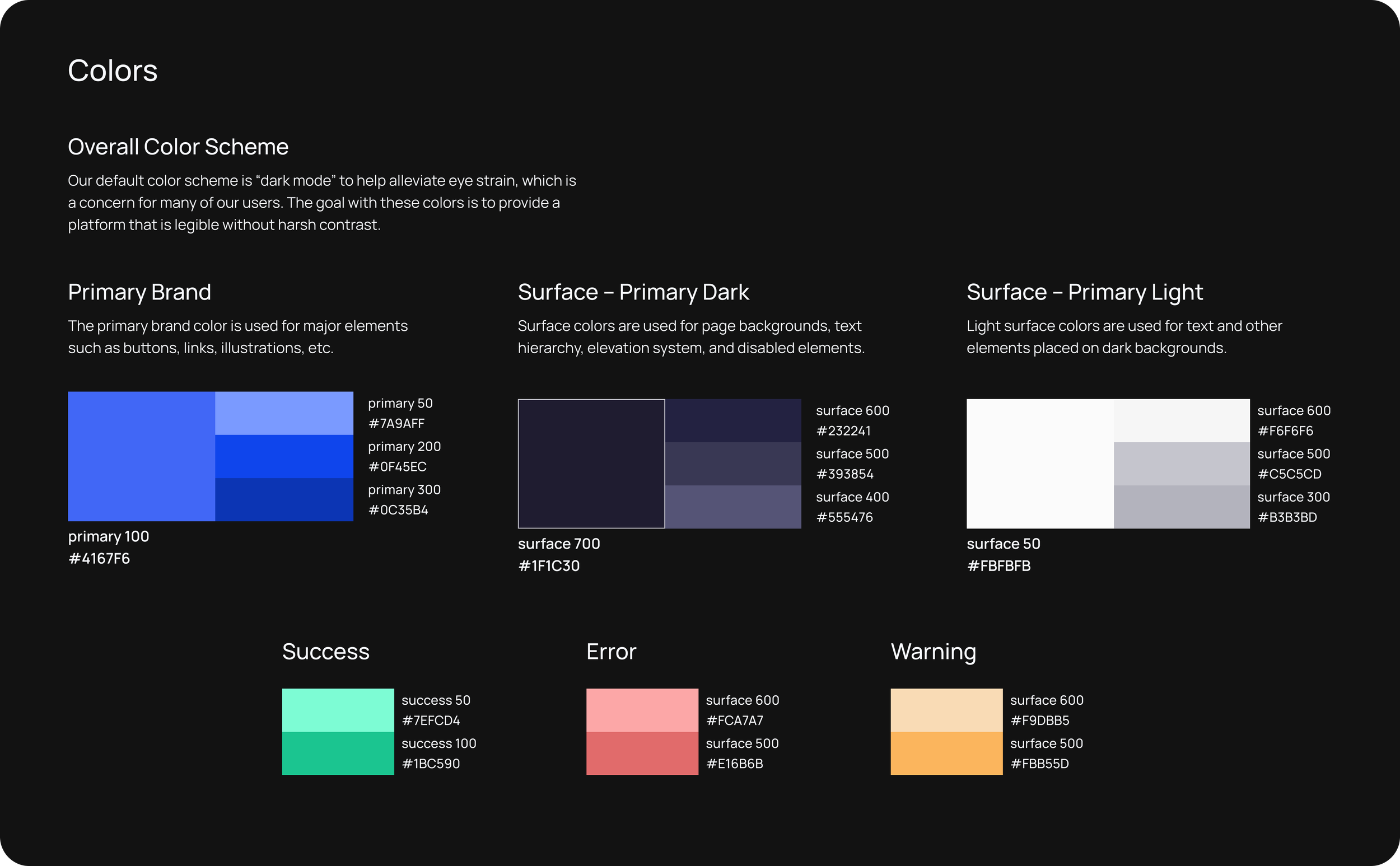
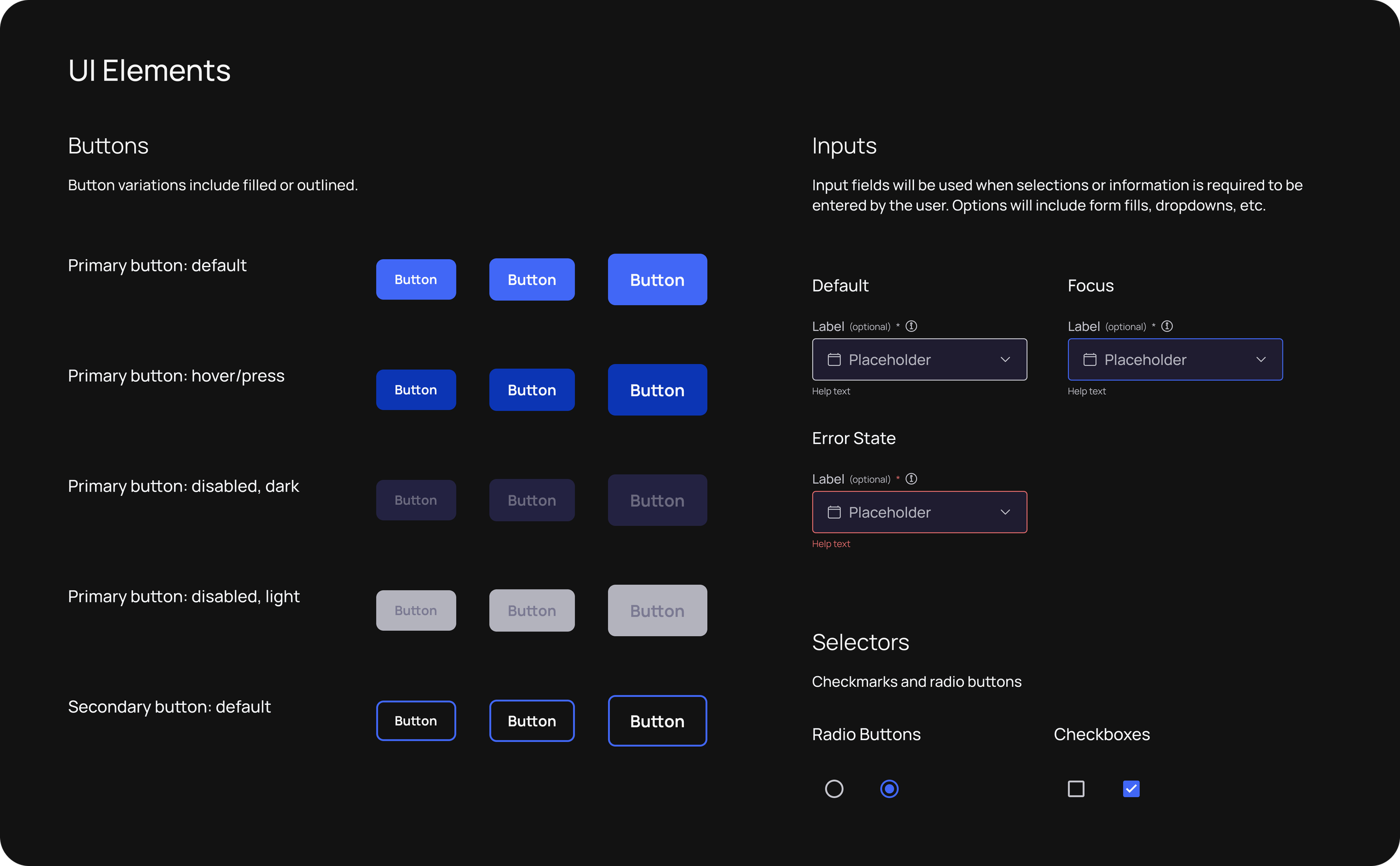
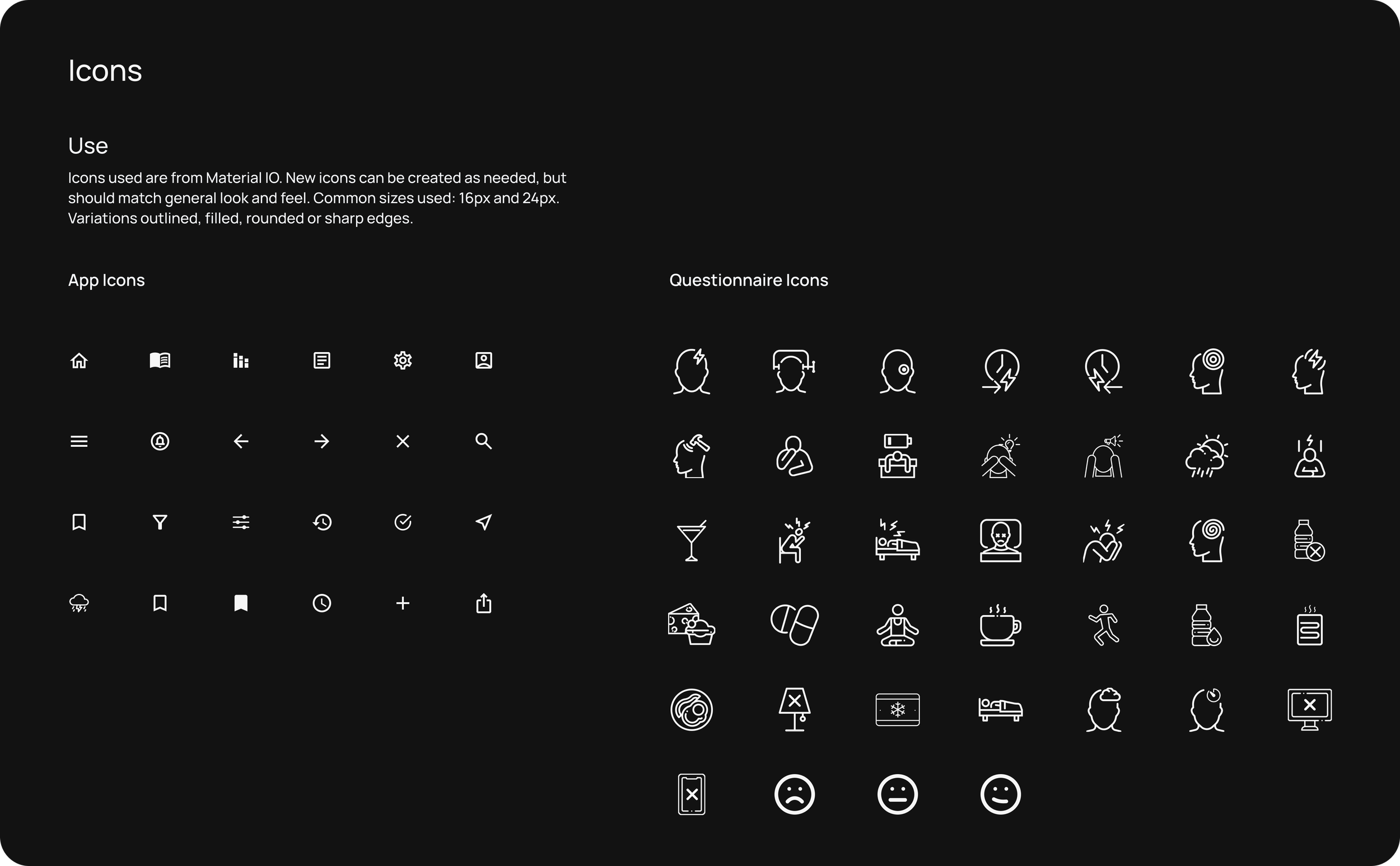
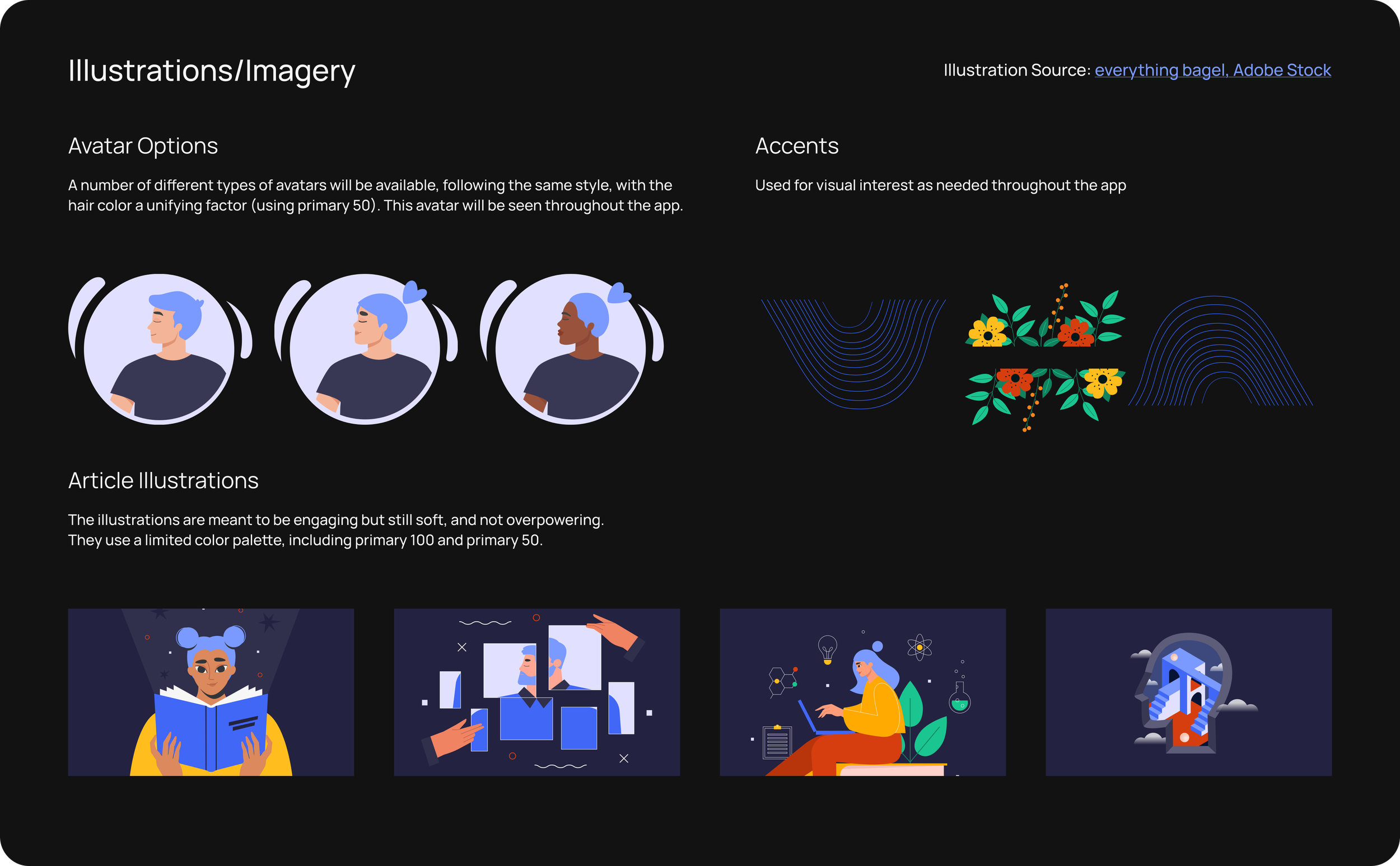
Since users of this app might suffer from light sensitivity and other pain exacerbated by screen use, it was essential to reduce visual strain. The style guide I developed features a dark mode color scheme, with enough contrast between text and background that it is easy to read. I also took care to build substantial, legible, and tappable components to achieve increased usability.
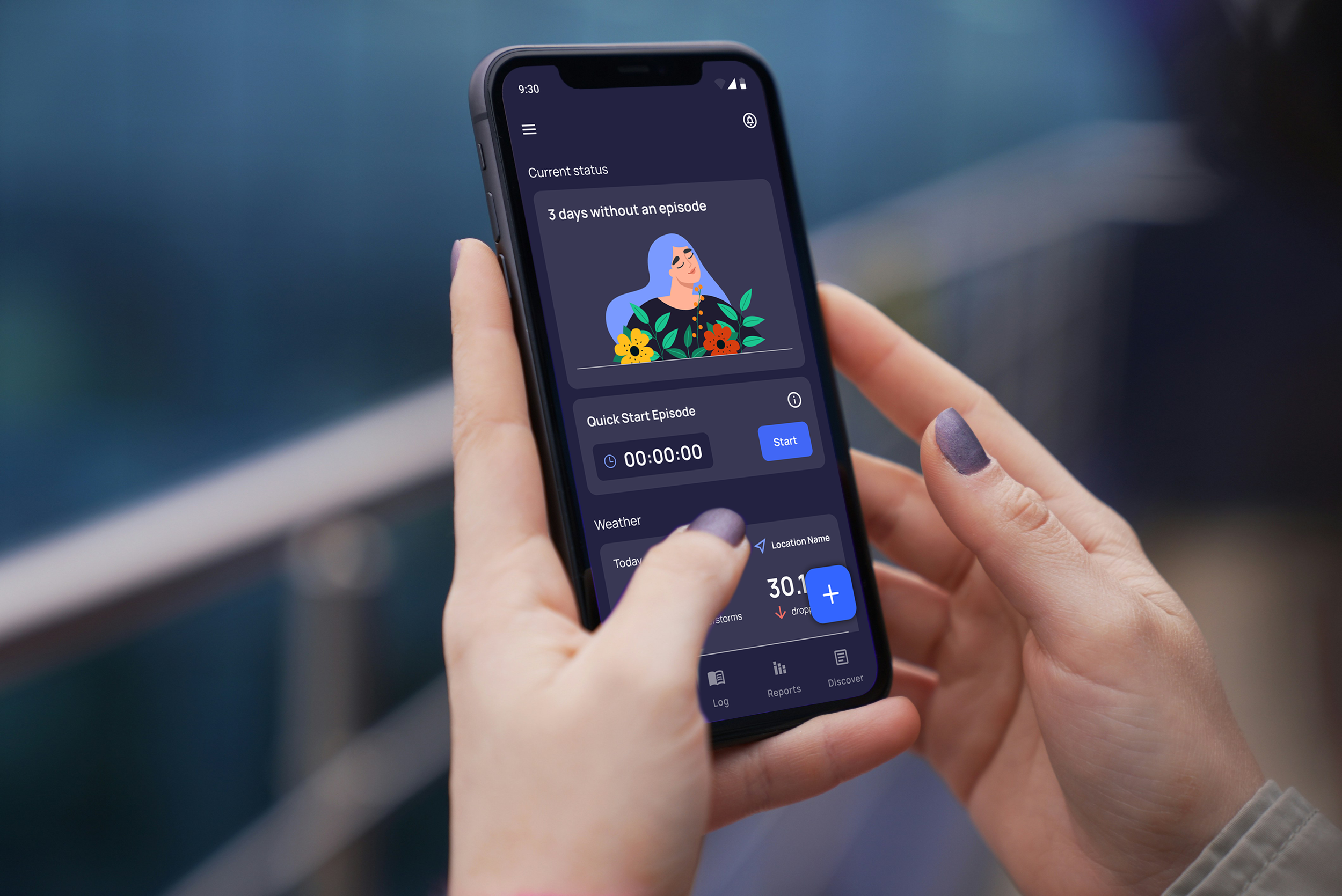
Headache Helper
Track. Analyze. Manage.
Your go-to app for tracking migraine and headache episodes, and gaining personal insights.
Record an episode by logging symptoms, duration, and other notes.
Discover articles and search for specific content.
Review and export data as a report.